

TGIANN
STORE
STORE
EUR
9.99
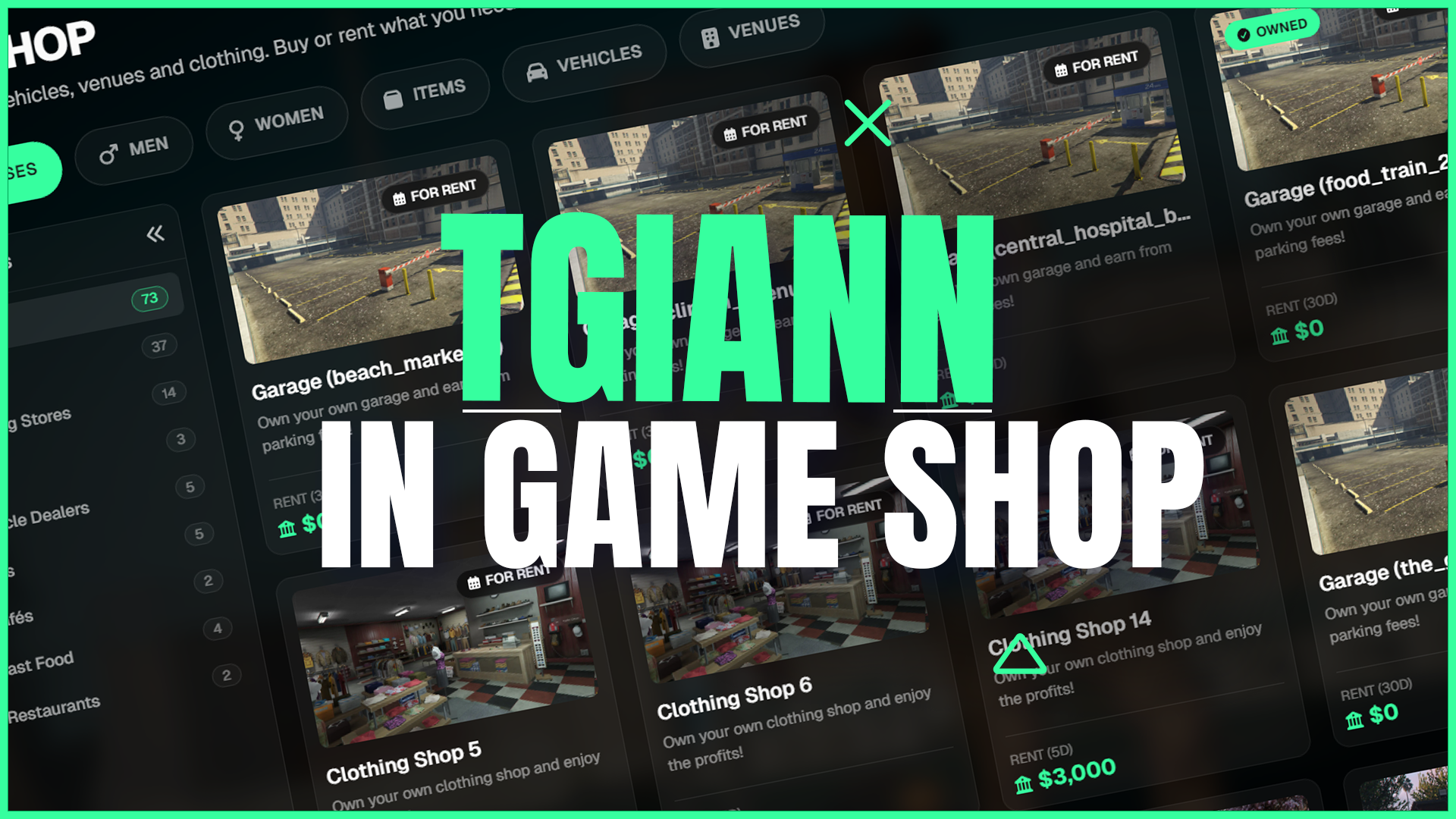
Advanced In-Game Shop
Integrated coin economy for items, places and vehicles.
Escrow
ESX
QB-Core
QBOX
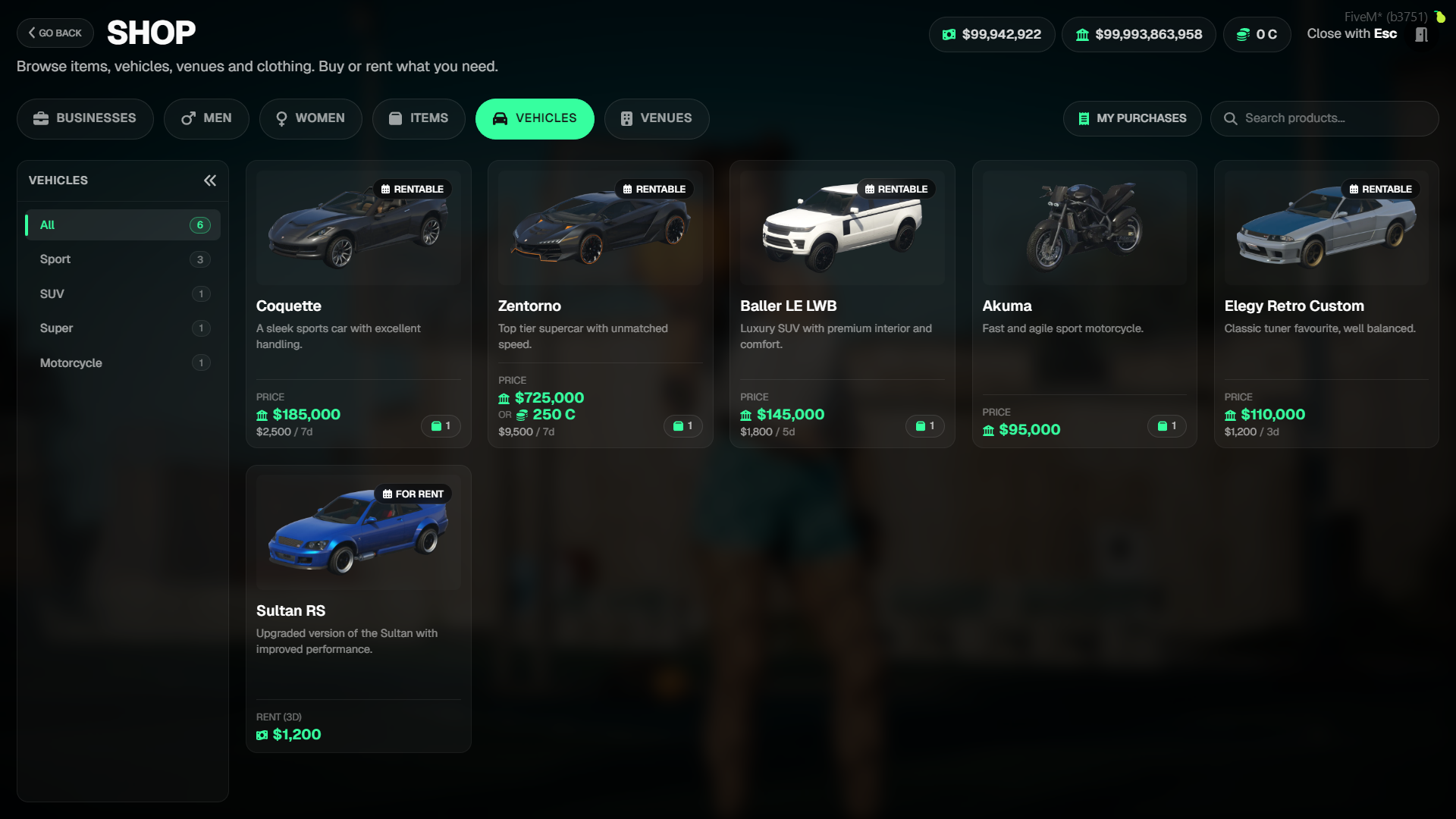
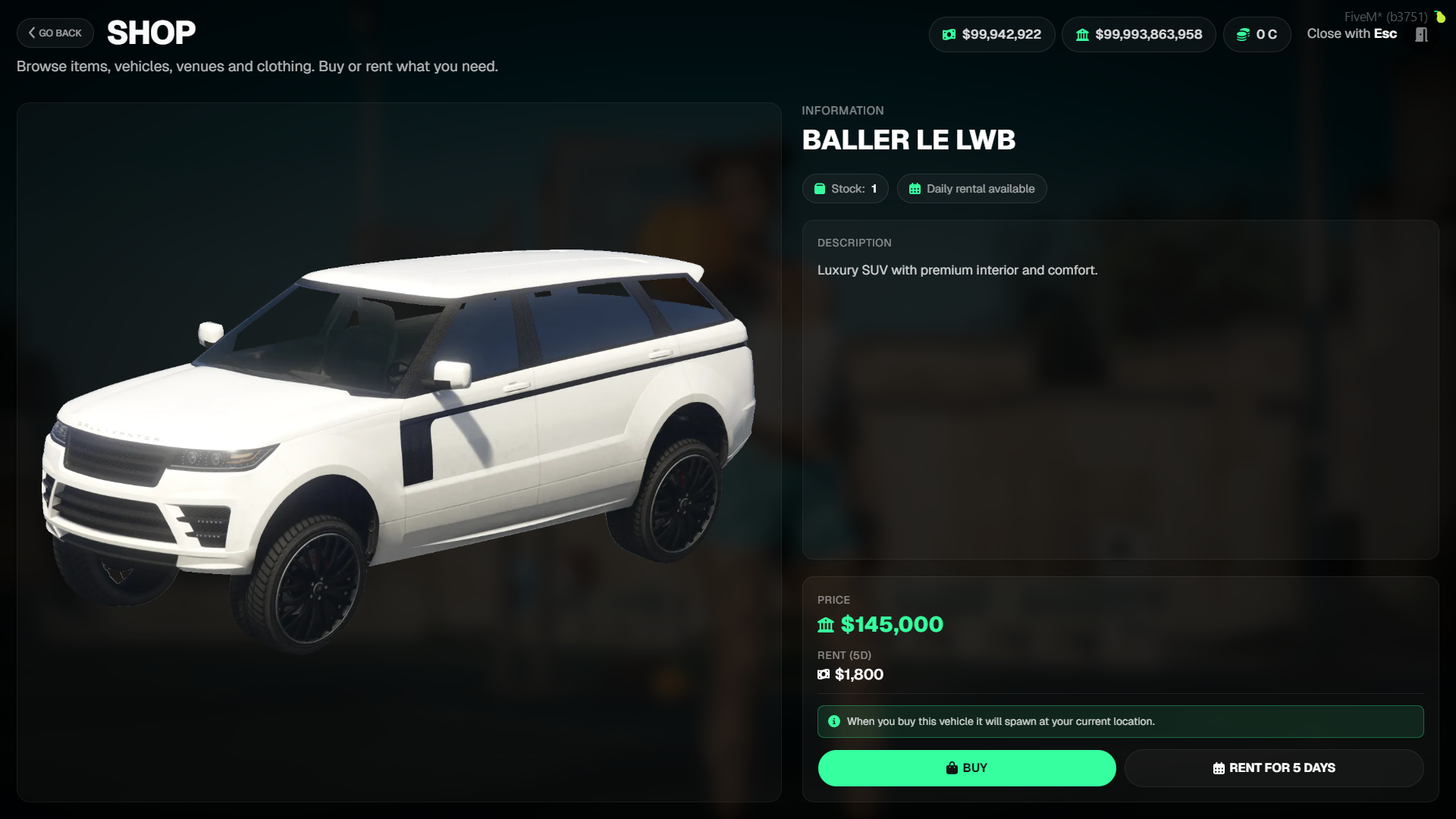
Advanced In-Game Shop System
tgiann-shop is a comprehensive and modular shop system developed for FiveM servers. Combining items, vehicles, venues, clothing, and business sales into a single interface, this system offers unlimited flexibility for server owners with features like rentals, stock management, multi-currency support, and a fully customizable callback structure.
The script is 100% compatible with tgiann-esc, but it can also be used completely standalone.
- If you are using tgiann-esc, an Shop button will automatically appear inside the ESC menu.
- If not, the script works independently without requiring any additional dependency.
Overview
- tgiann-shop provides everything you expect from a shop script—and more.
- Players can buy items, purchase or rent vehicles, own venues, try on and buy clothes, and manage all businesses within the tgiann ecosystem from a single interface.
Category System
The shop revolves around five main categories. Each category has its own subcategories, product types, and behavior rules:
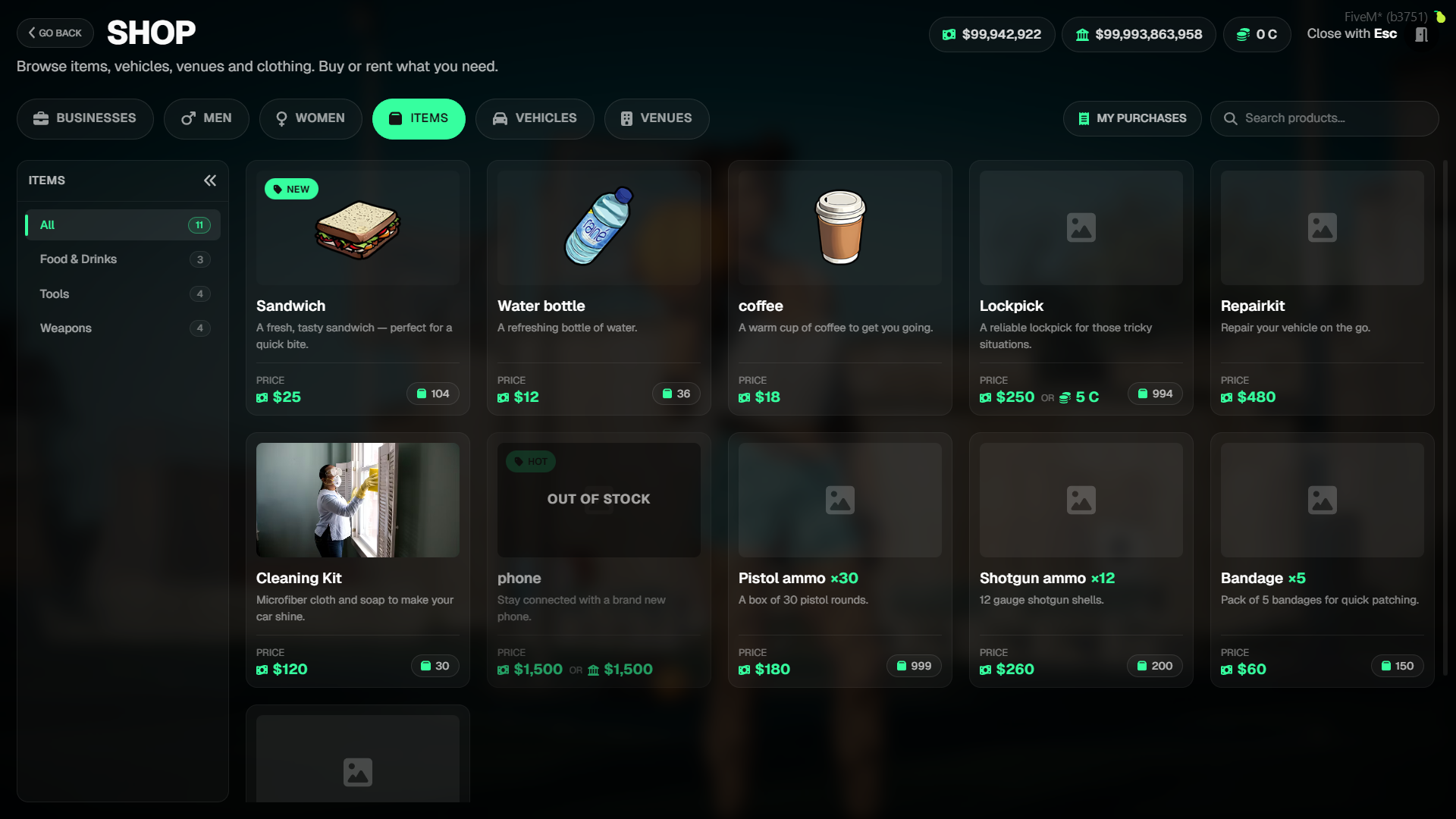
Items
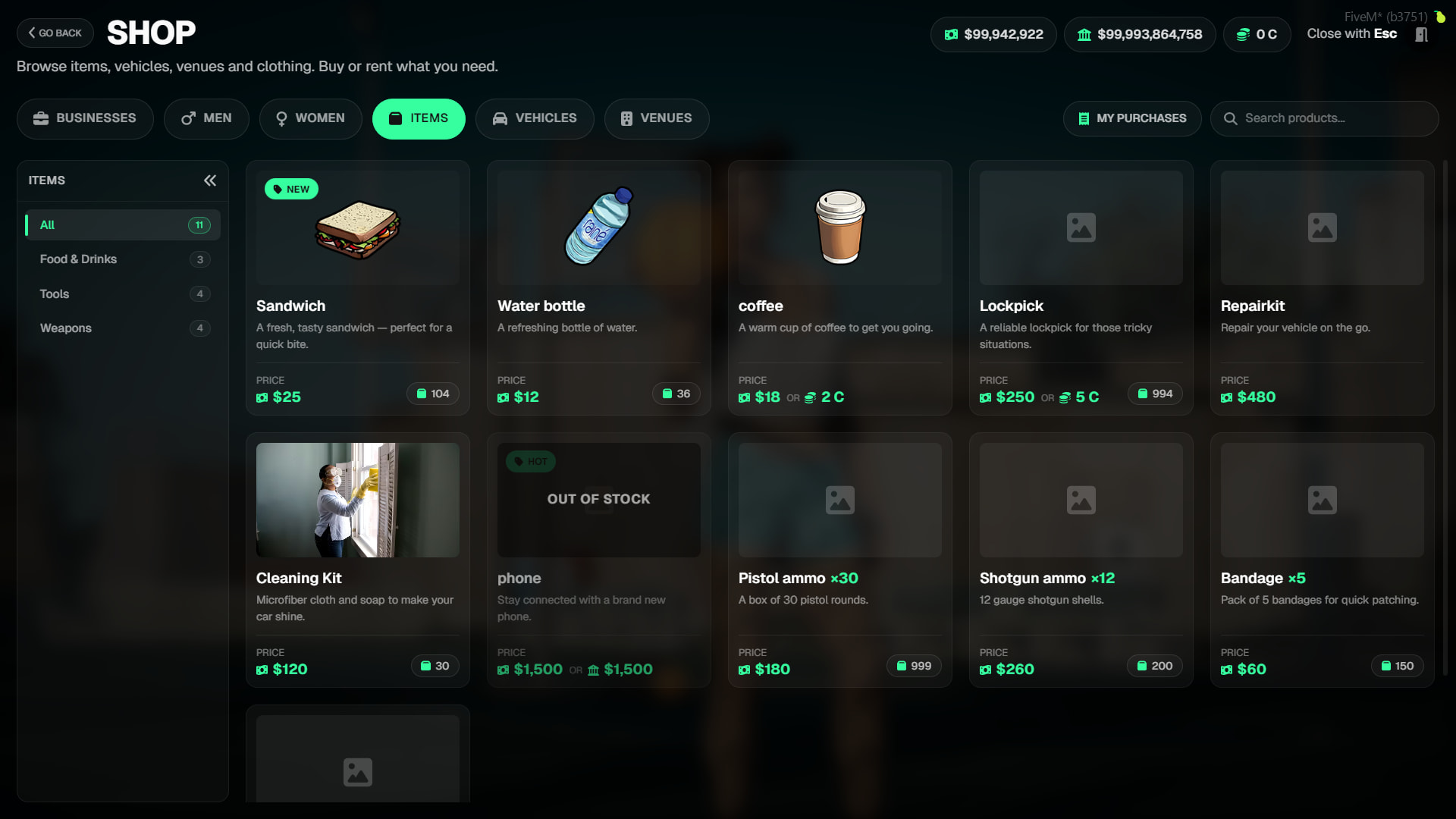
- Sell anything defined in your inventory system: food, drinks, tools, weapon ammo, etc.
- If a product name or image is not specified, the system automatically pulls them from your inventory database.
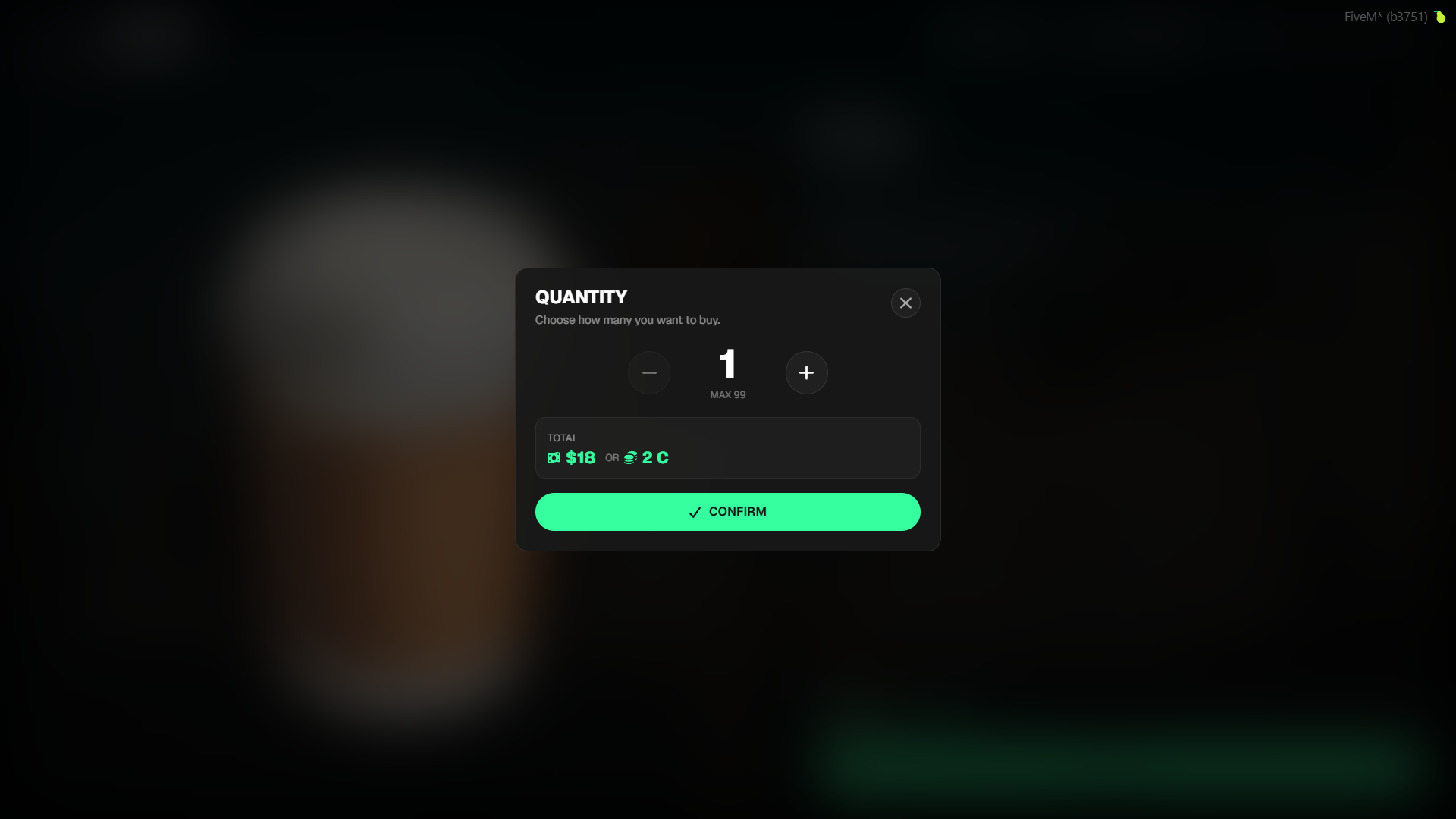
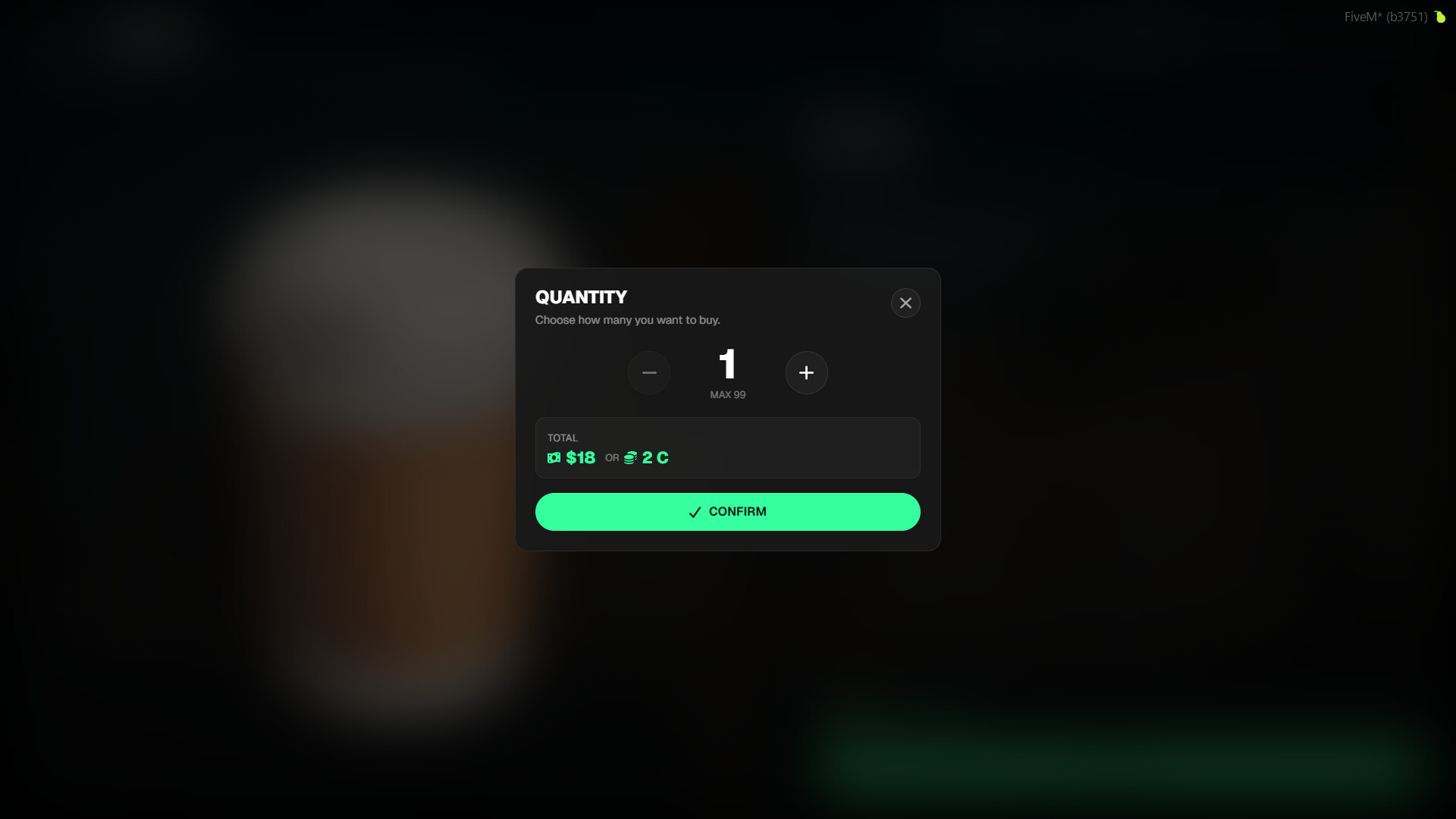
- The multiBuy feature allows players to purchase multiple quantities at once.
- The stock system updates automatically with every sale.
Vehicles
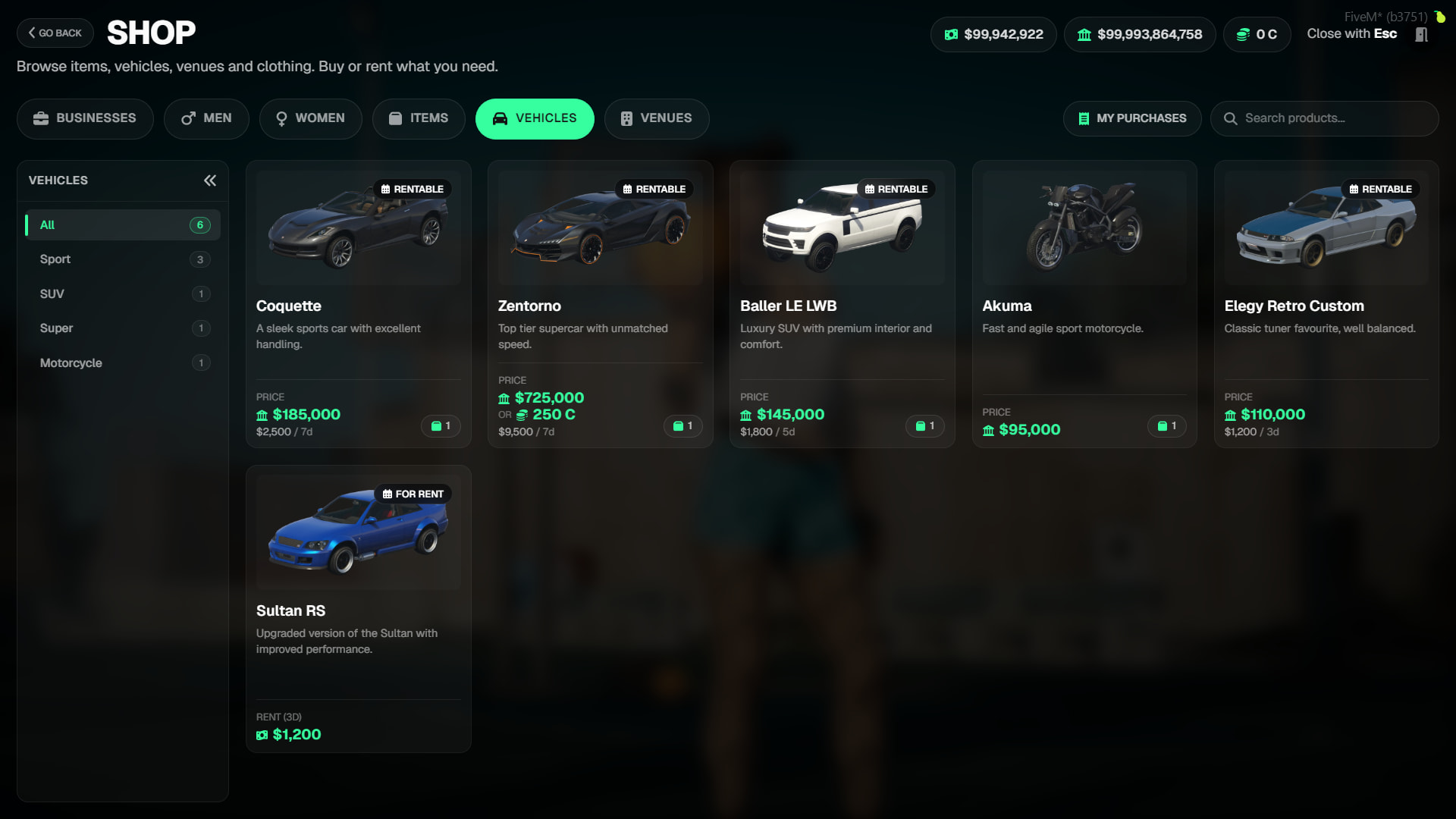
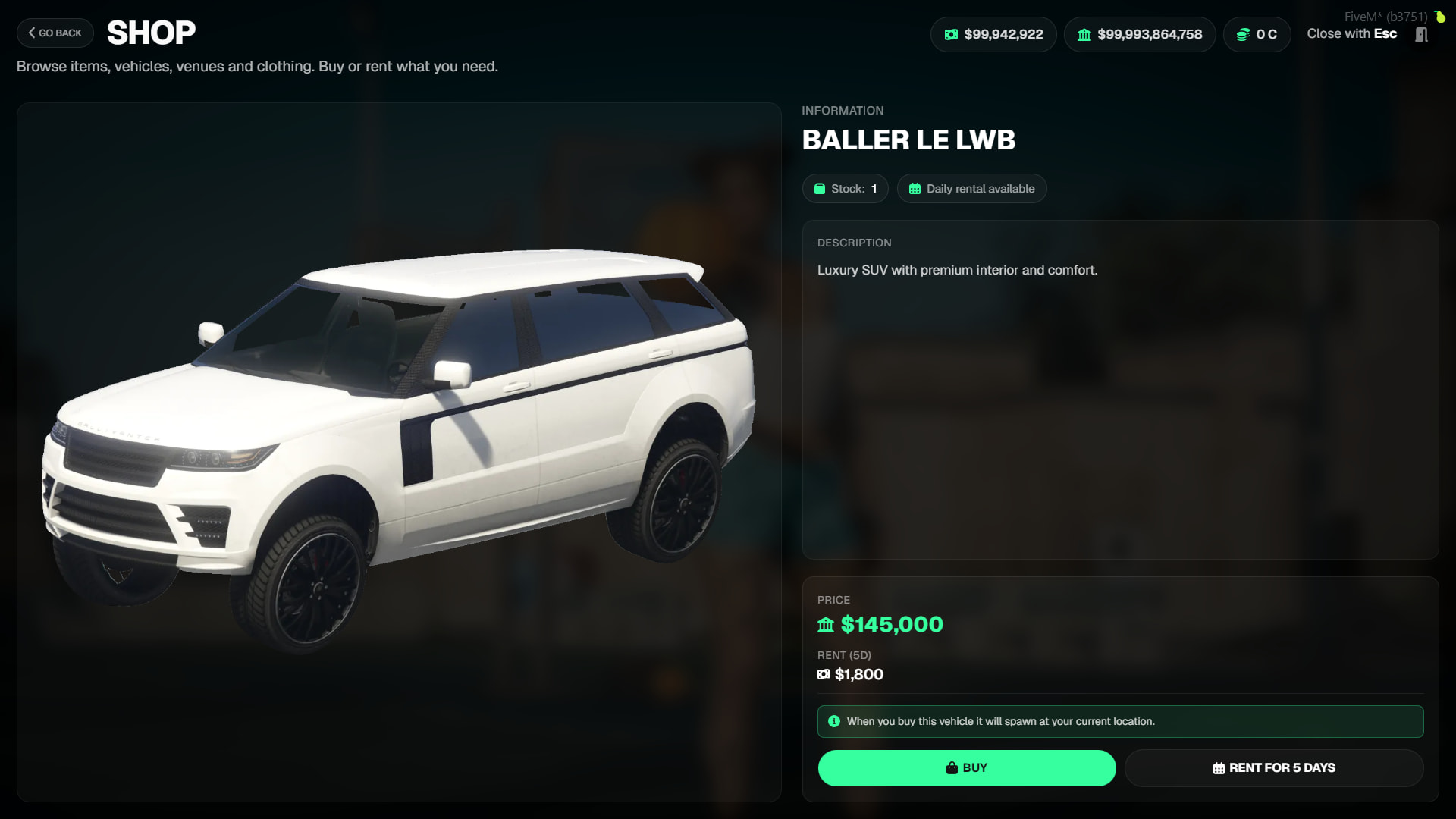
- Vehicles can be offered for permanent purchase or daily rental.
- Purchased vehicles are delivered to the player’s location via a secure spawn mechanism.
- For rentals, the vehicle is automatically revoked after the time expires, its license plate is deleted, and the stock is replenished.
- Vehicle names are automatically resolved from GTA’s own database—no need to manually type names in the config.
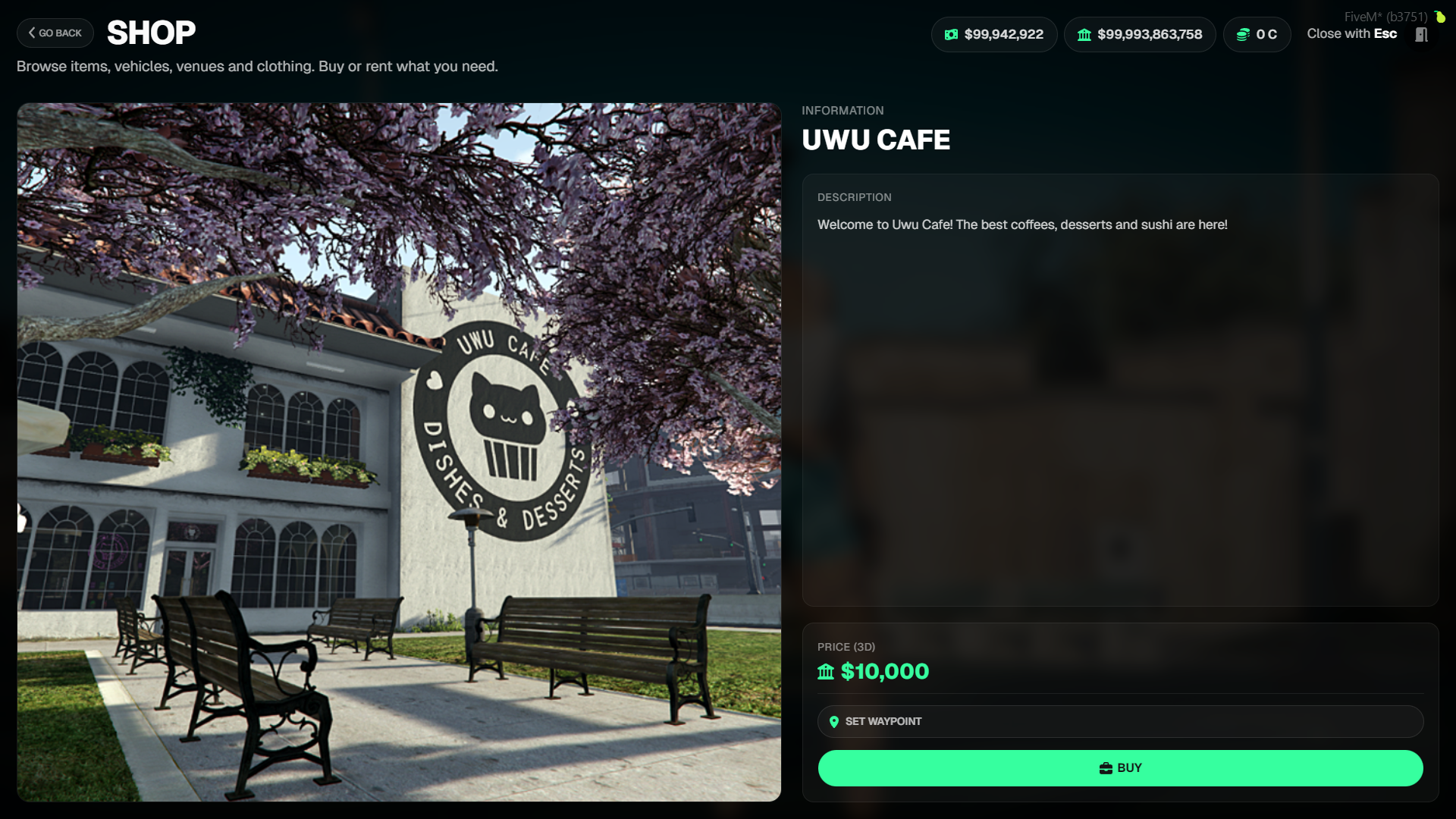
Venues (Jobs/Properties)
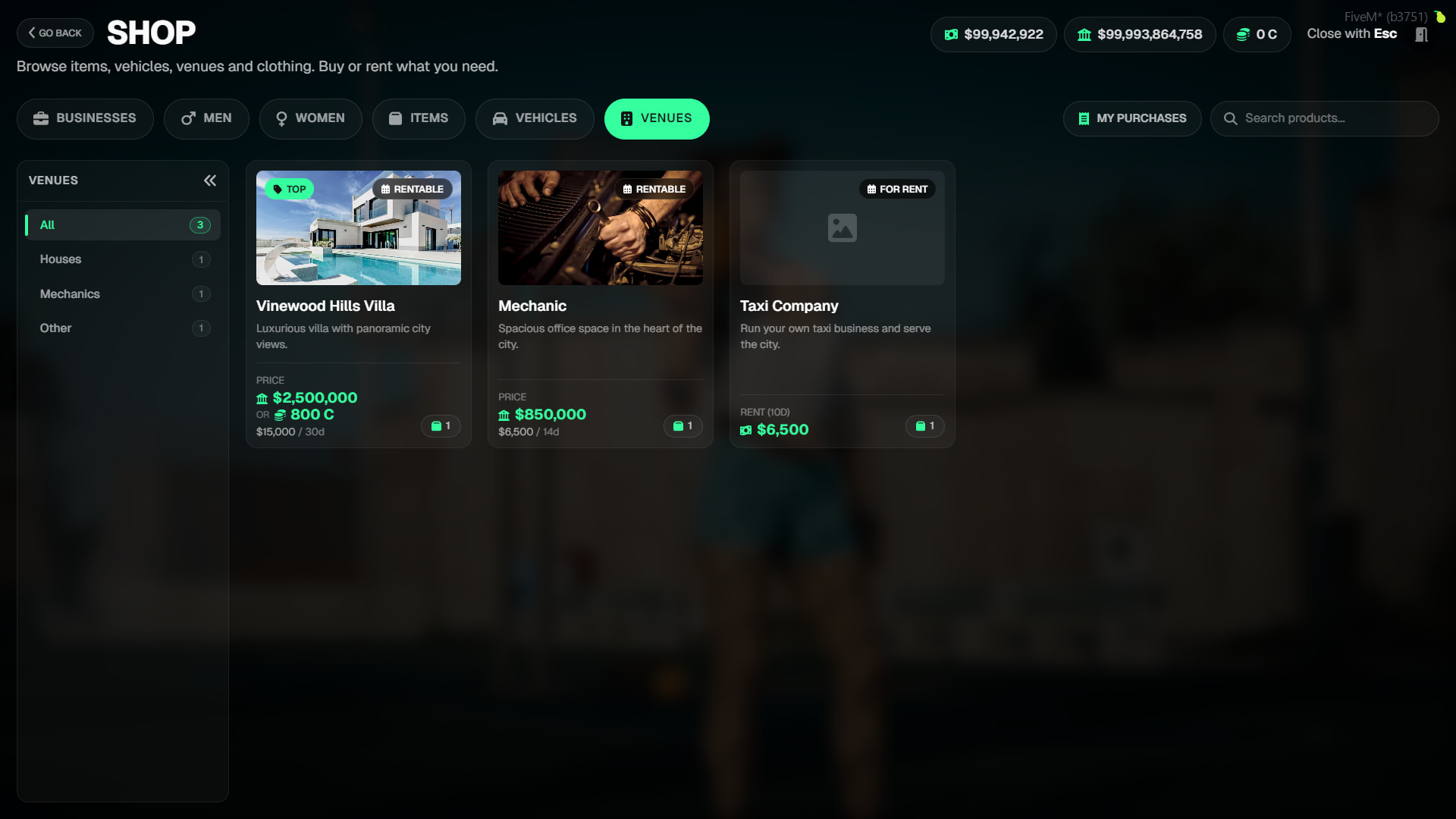
- The venue system allows you to sell or rent in-game workplaces to players.
- When a venue is purchased or rented, the player is assigned the specified job and grade.
- When the time expires, the job is automatically revoked, and previous owners are set back to unemployed.
- Players looking to buy or rent a venue must not currently hold a job—the system checks this automatically and issues a warning if needed.
Clothing
- The clothing system works integrated with tgiann-inventory and tgiann-clothing.
- Every clothing item knows which ped model it belongs to (e.g.,
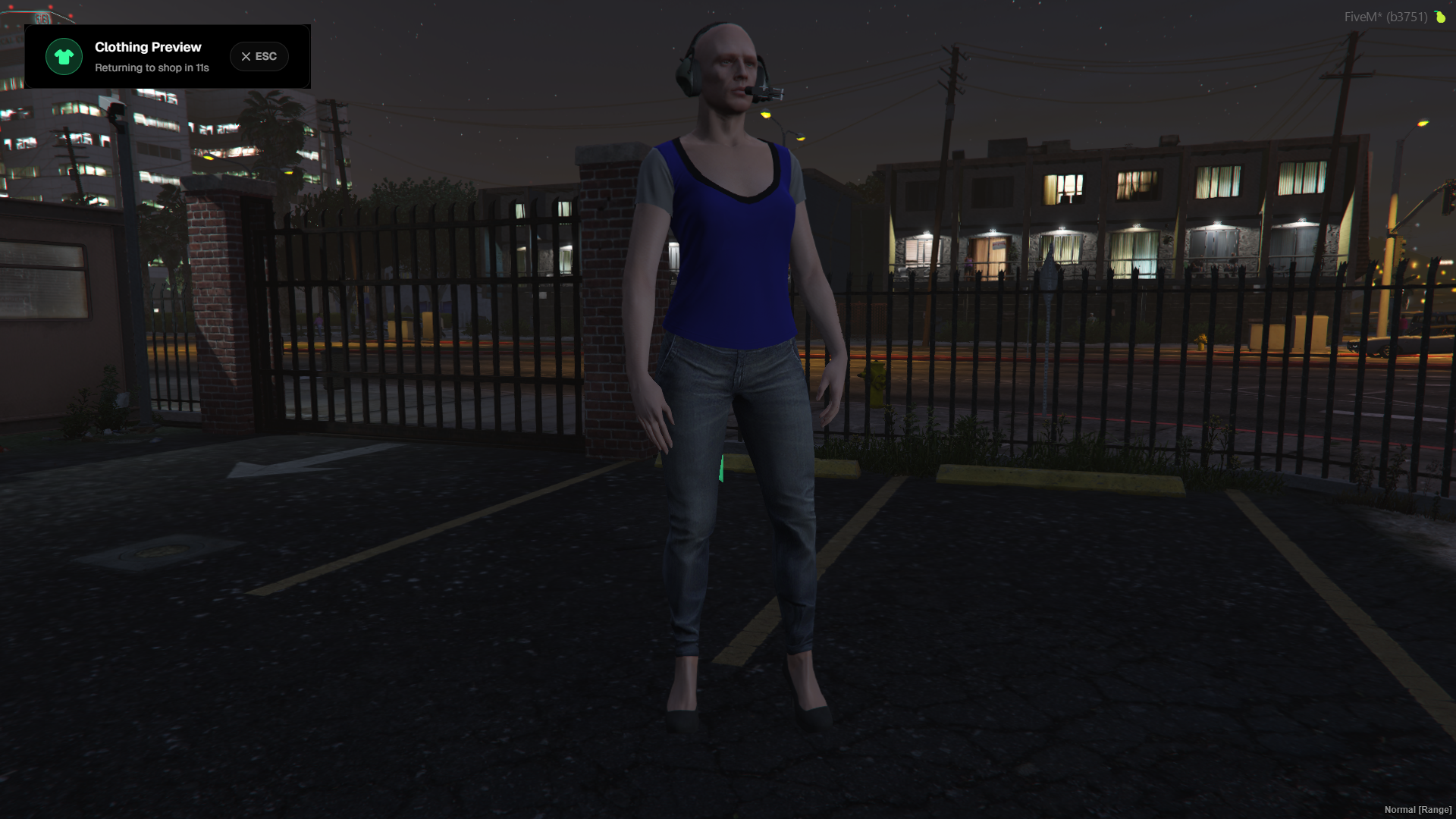
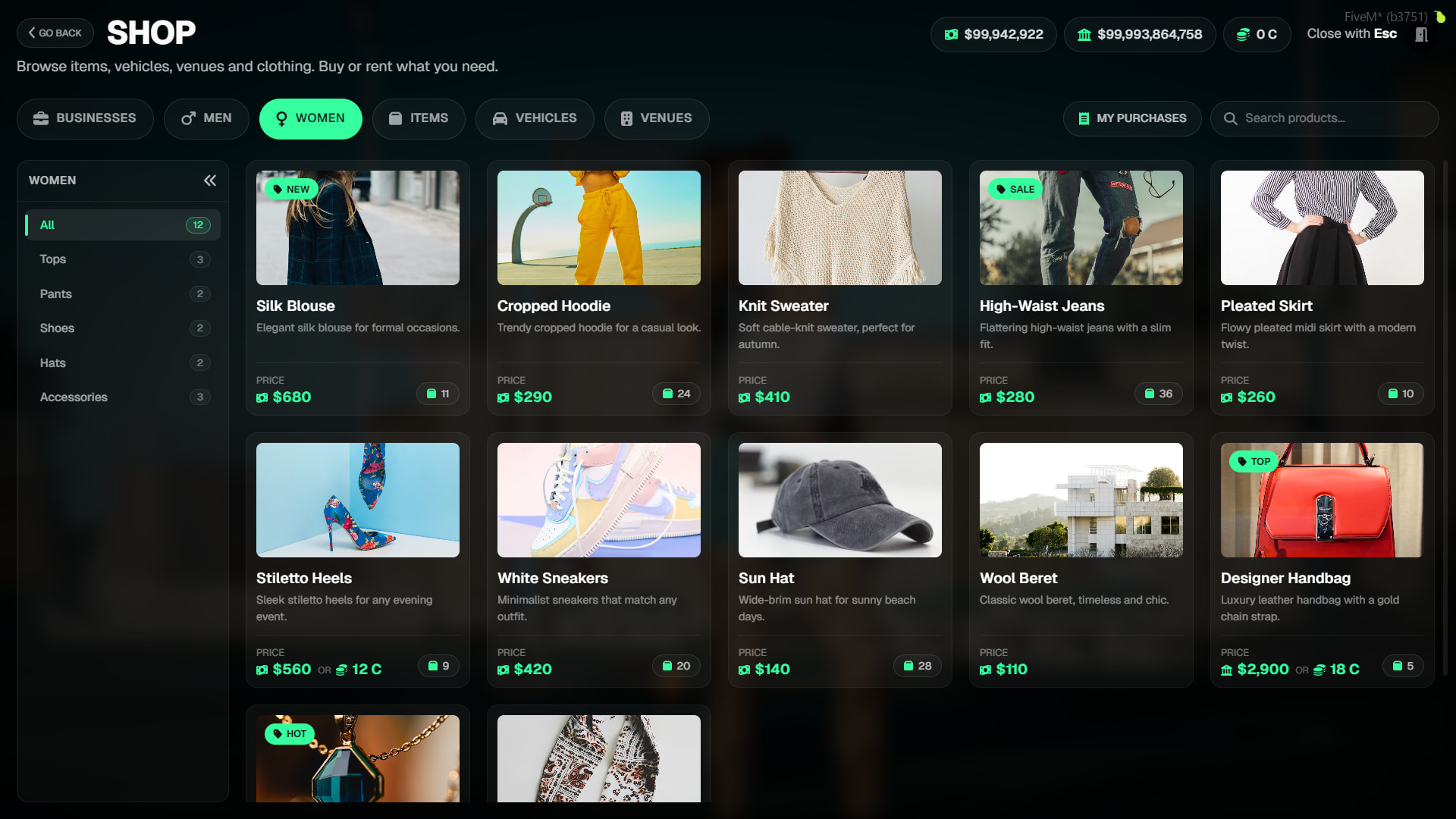
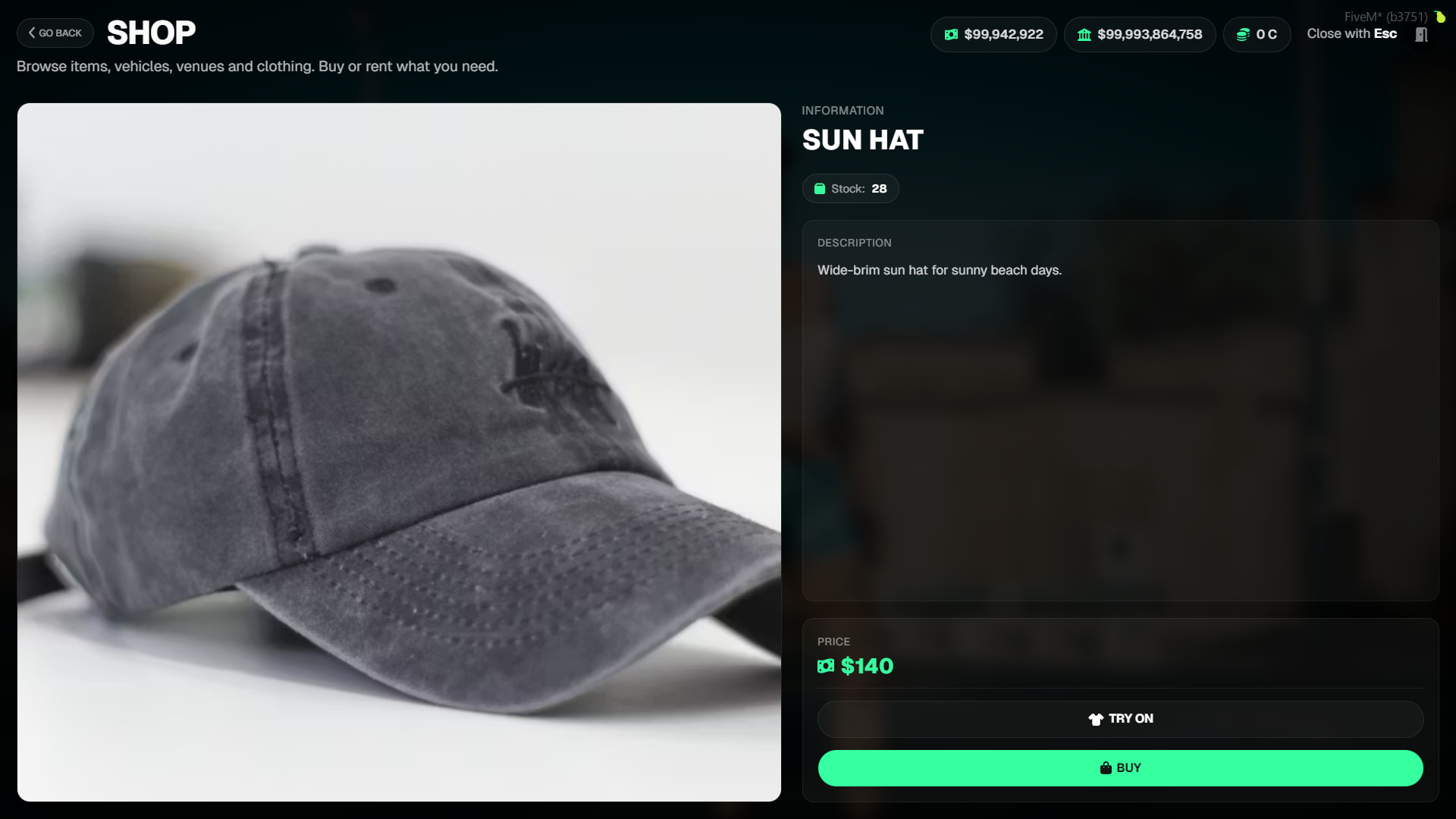
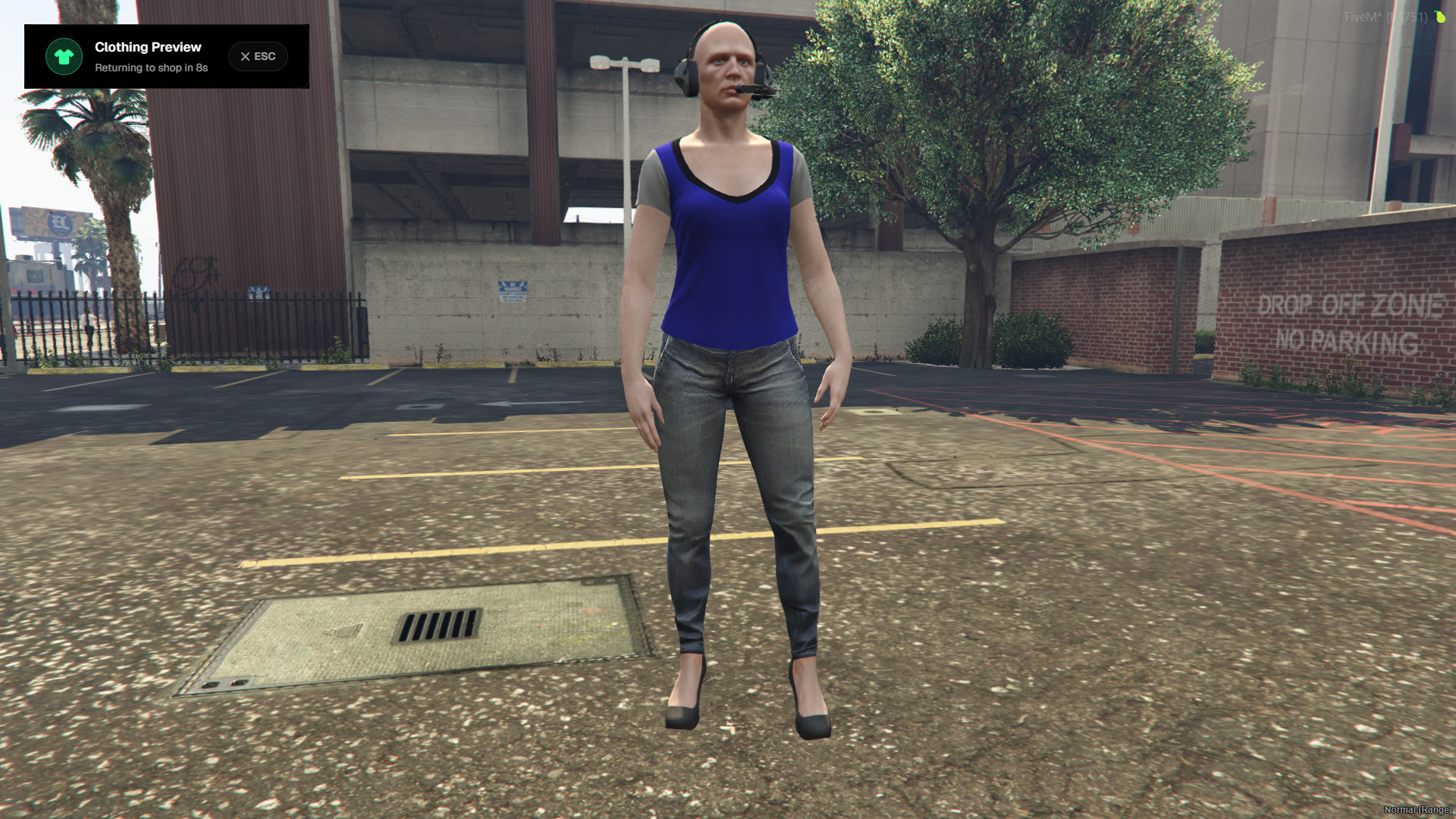
mp_m_freemode_01/mp_f_freemode_01), which slot it equips to (c_torso,c_pants,c_shoes, etc.), and which component/prop data it carries. - Try On Feature: Players can try on clothes before buying. Clicking the “Try On” button spawns a preview ped on screen wearing the selected item. The player’s own character is hidden, the UI shifts to the left, and the clothed ped slowly rotates on the right side of the screen. Normal shop view returns after a 15-second countdown or by pressing ESC.
Similar clothing images are displayed for testing.
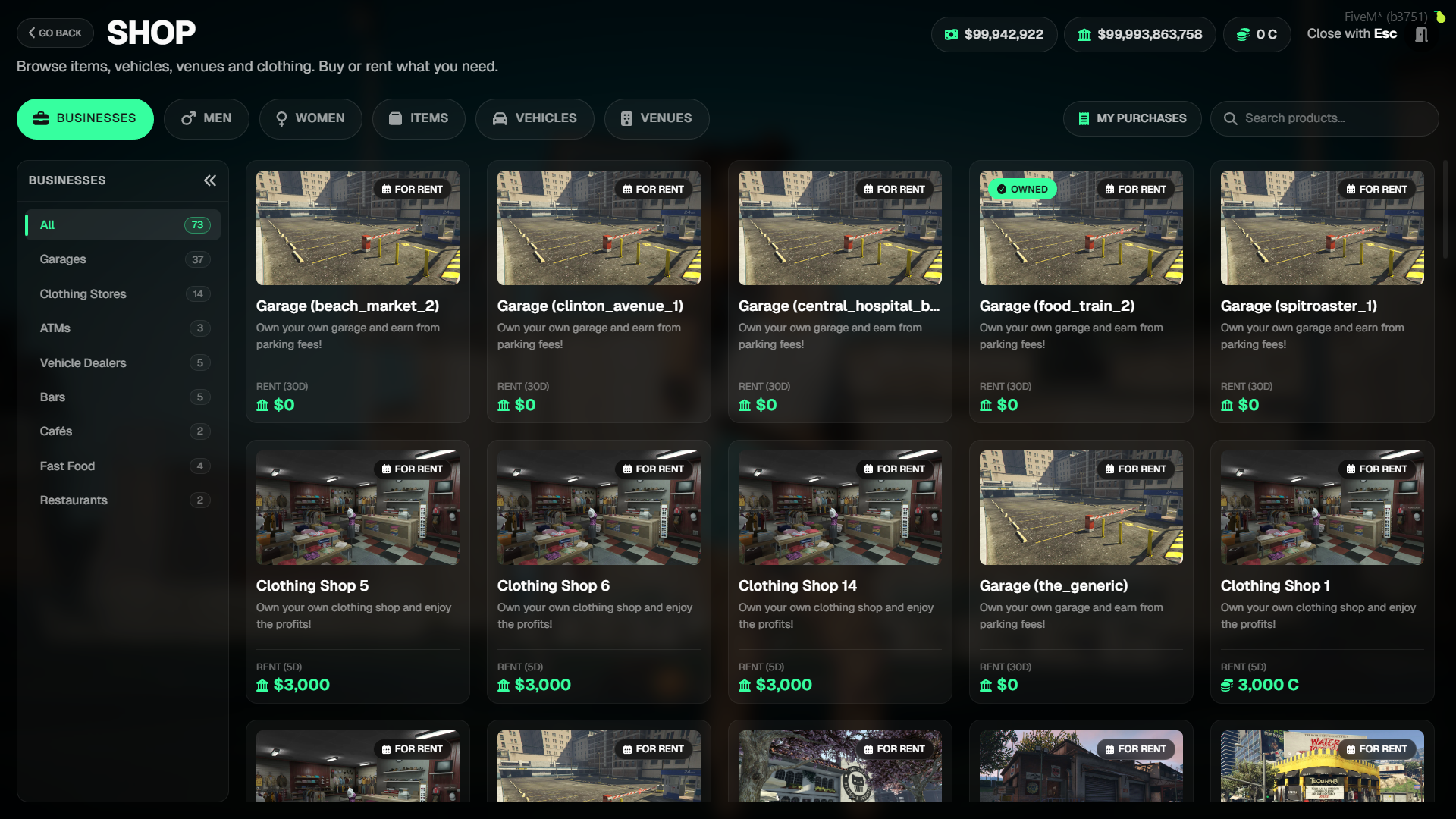
Businesses
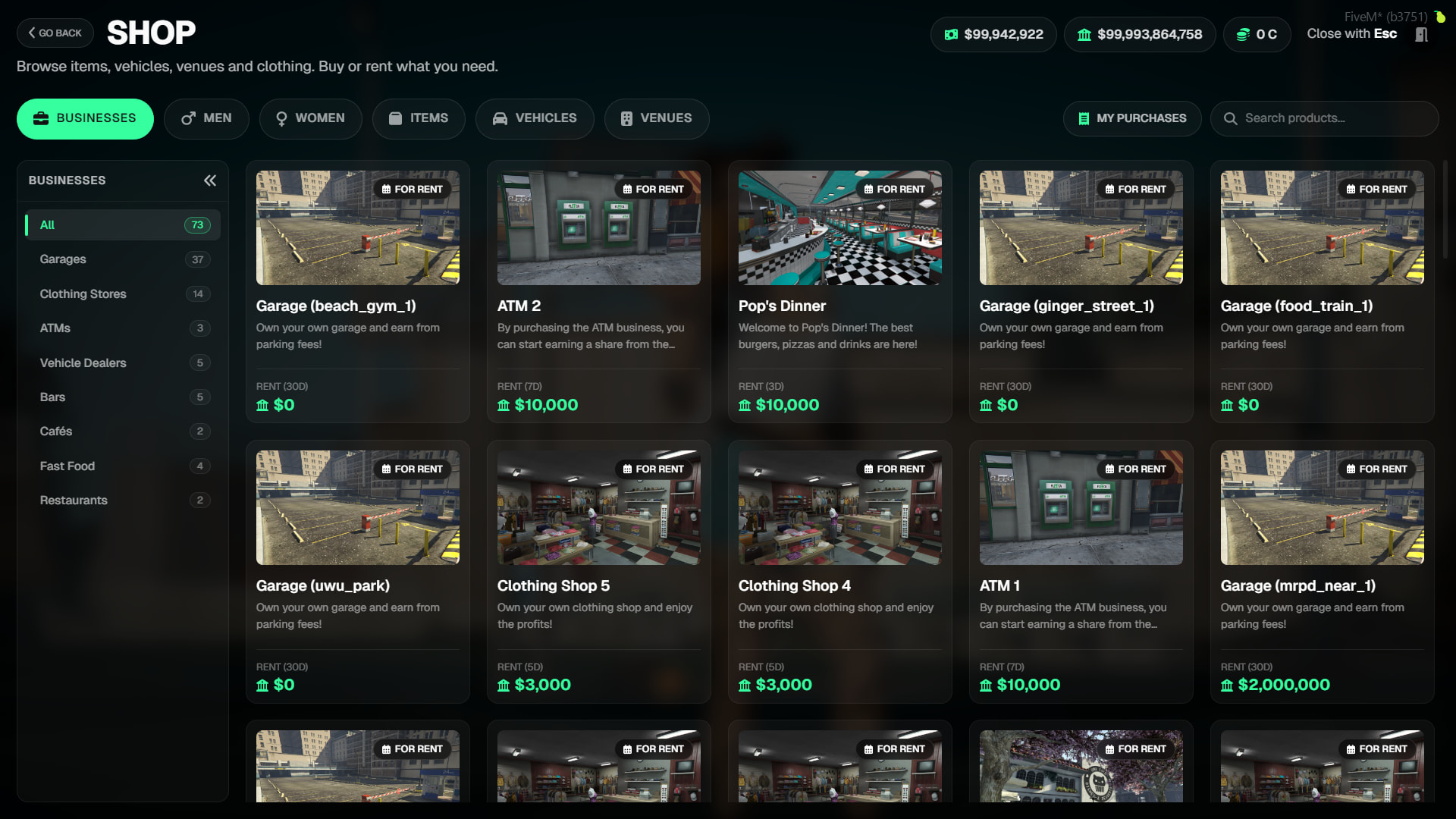
- The business category works differently: products are not defined in the config file.
- Instead, all scripts within the tgiann ecosystem (e.g., tgiann-bank, tgiann-clothing, tgiann-food-jobs, tgiann-realparking, tgiann-vehicleshop) register their ownable businesses via the
playerOwnablesystem in tgiann-core. - The shop automatically pulls and lists these records. To add a new business, you simply edit the config of the respective script.
Purchase History & Active Rentals
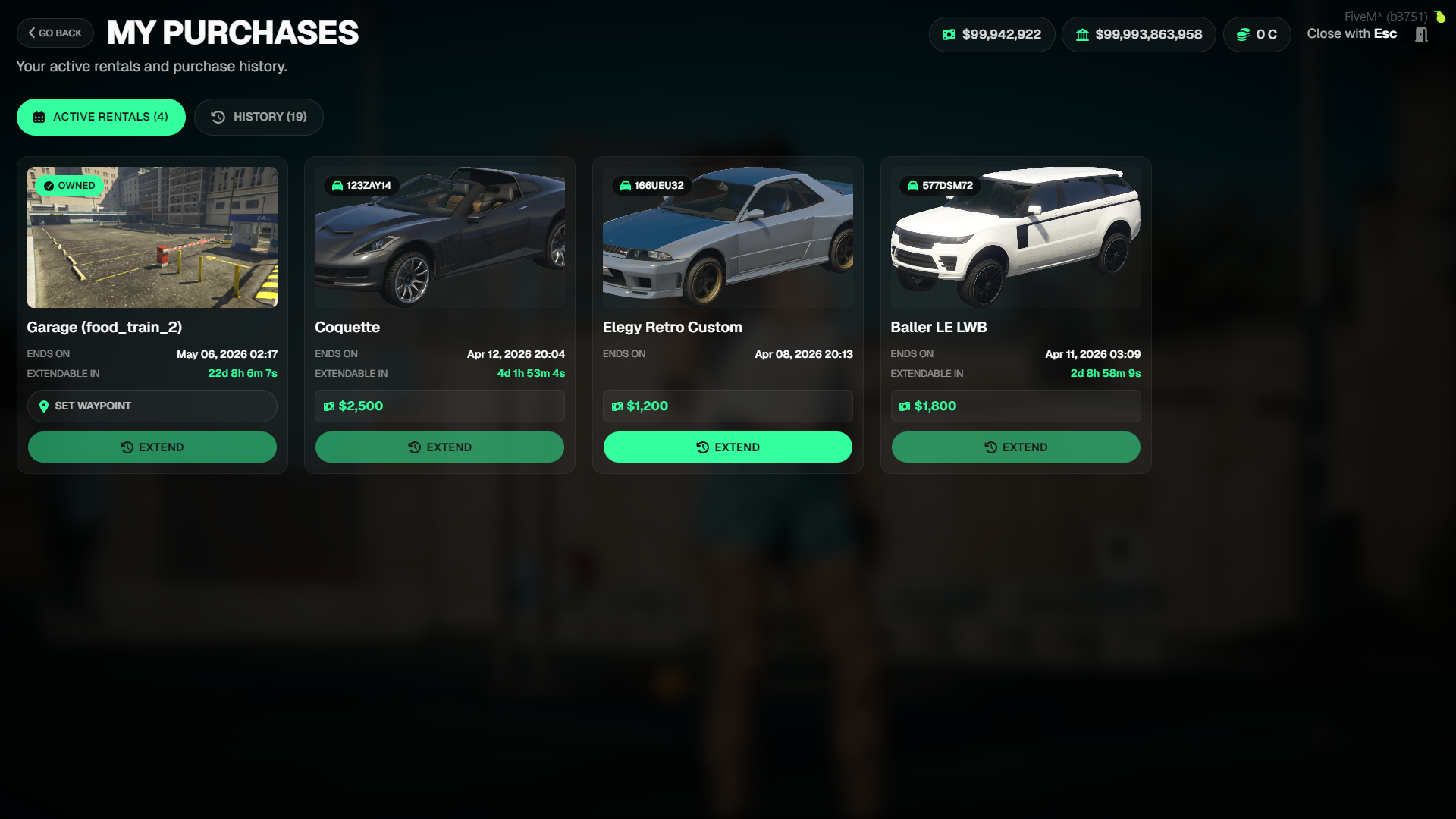
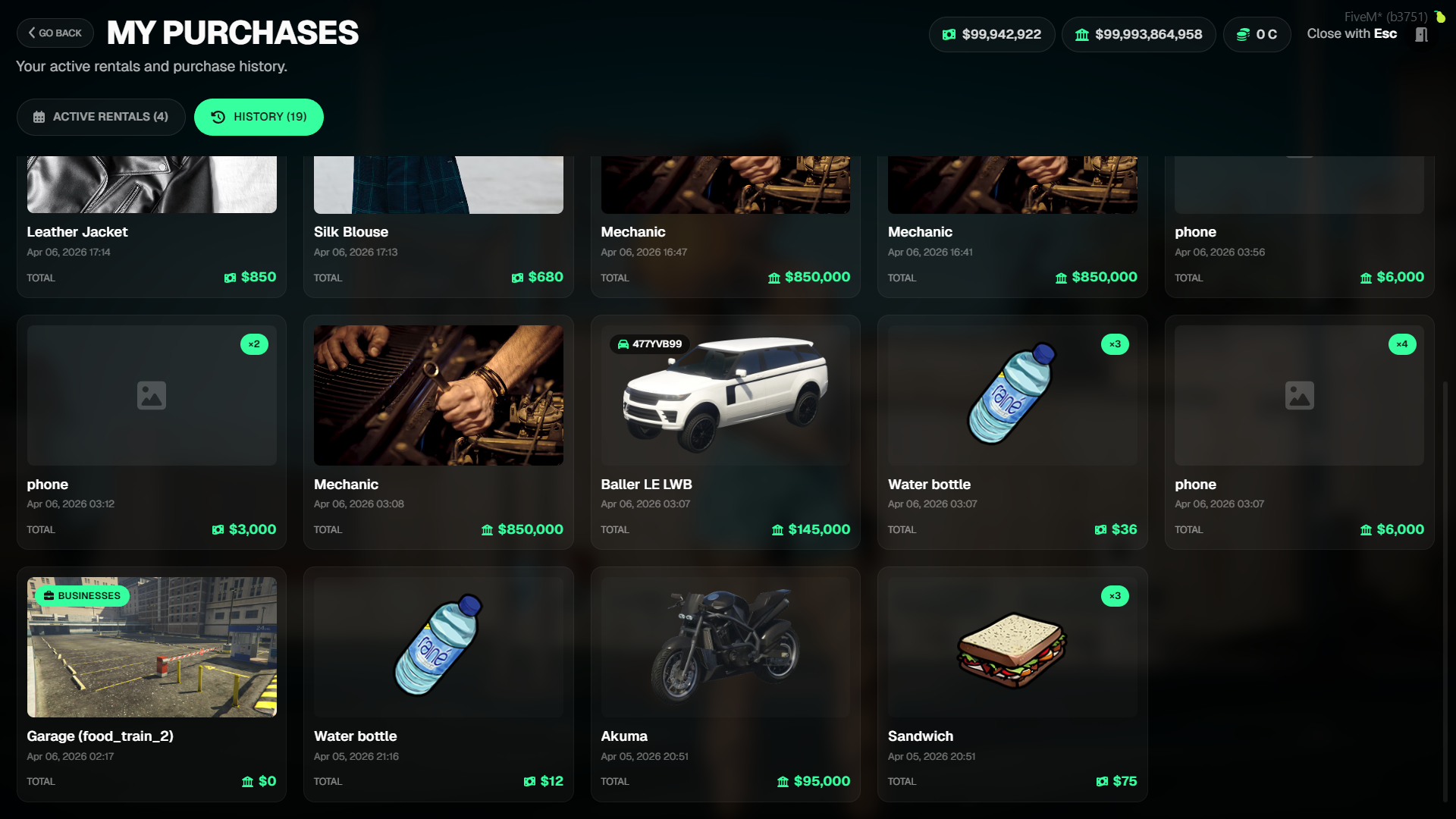
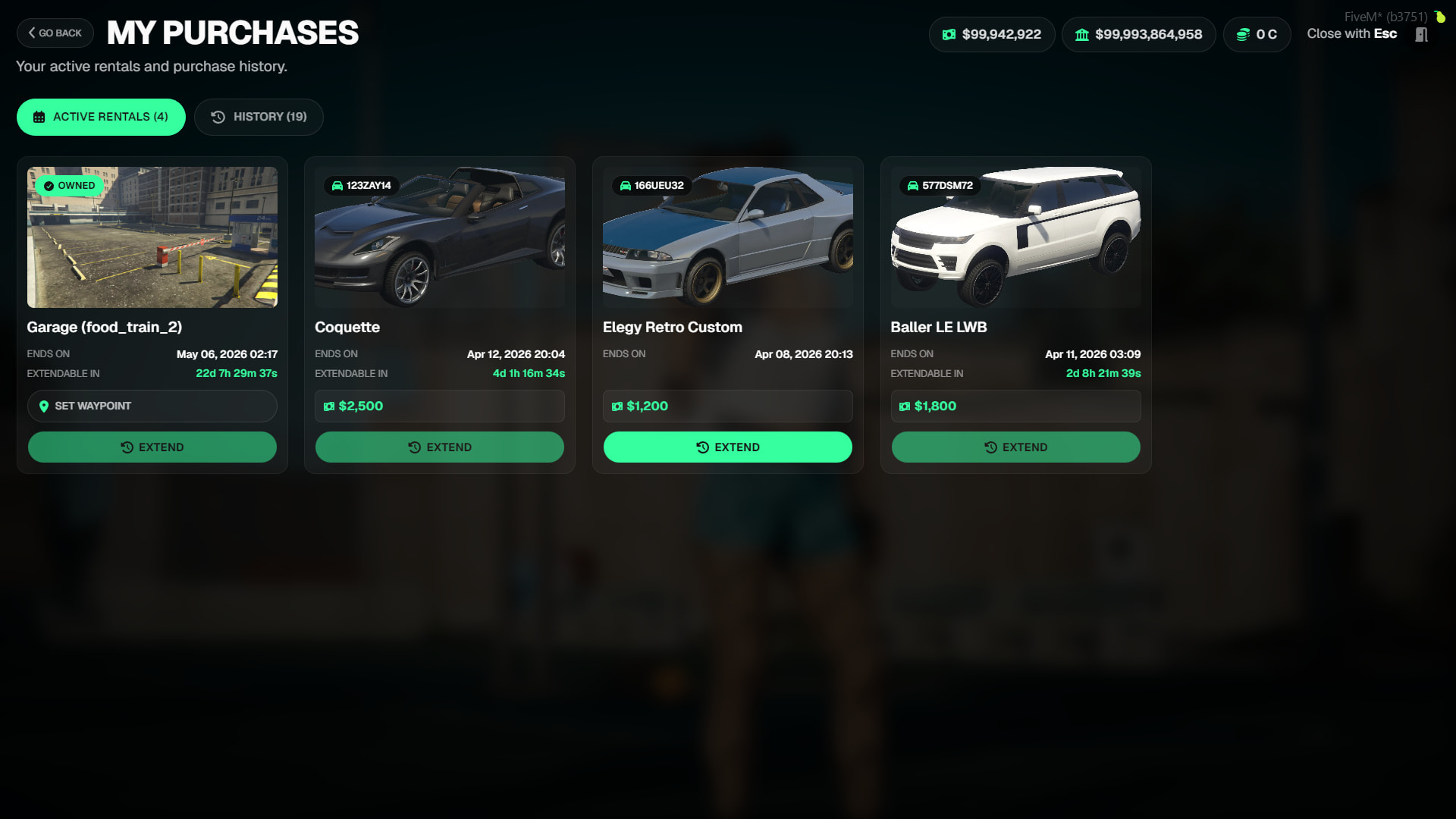
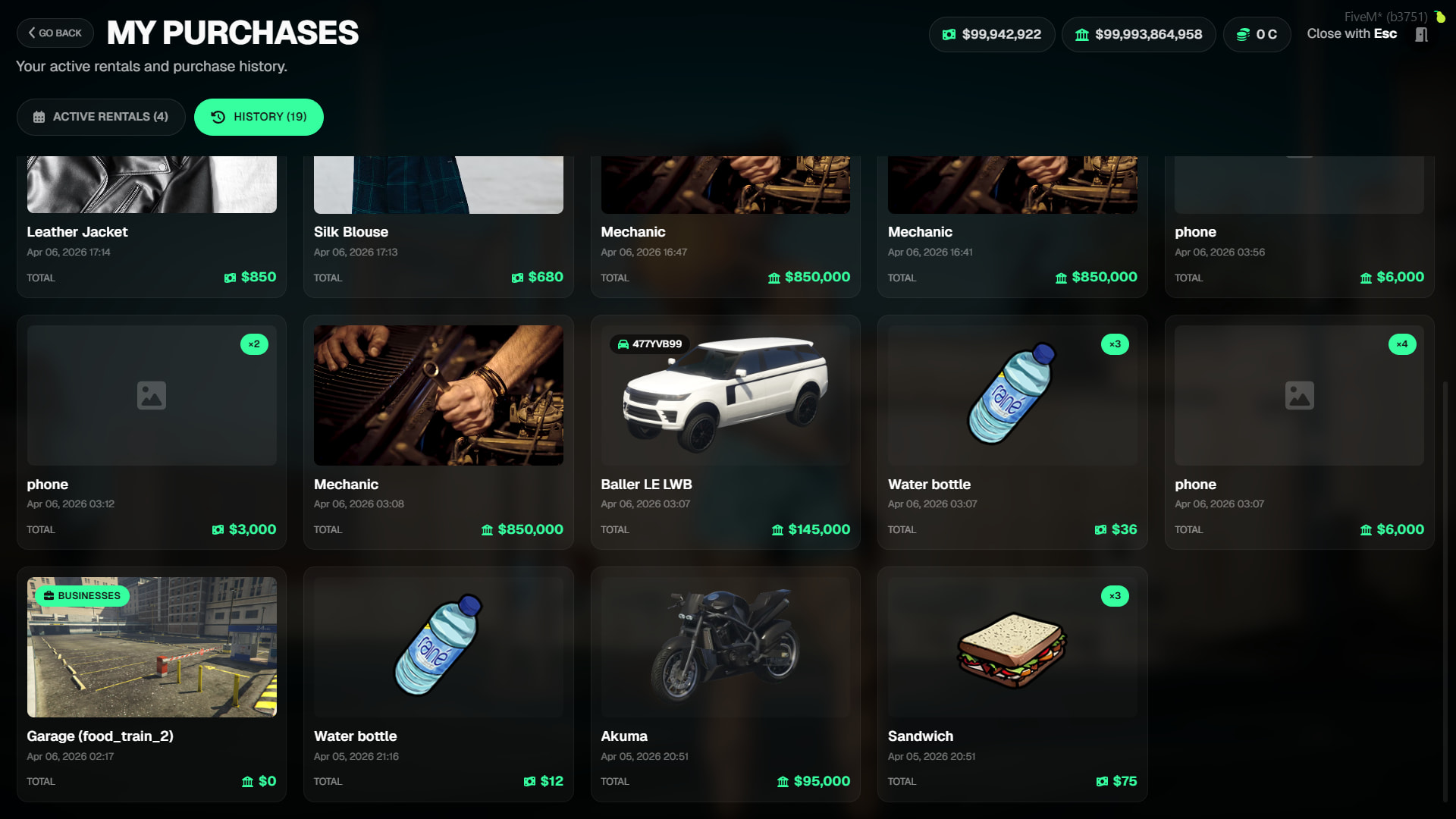
- View active rentals, perform rental extensions, and browse a complete history of all past transactions in this section.
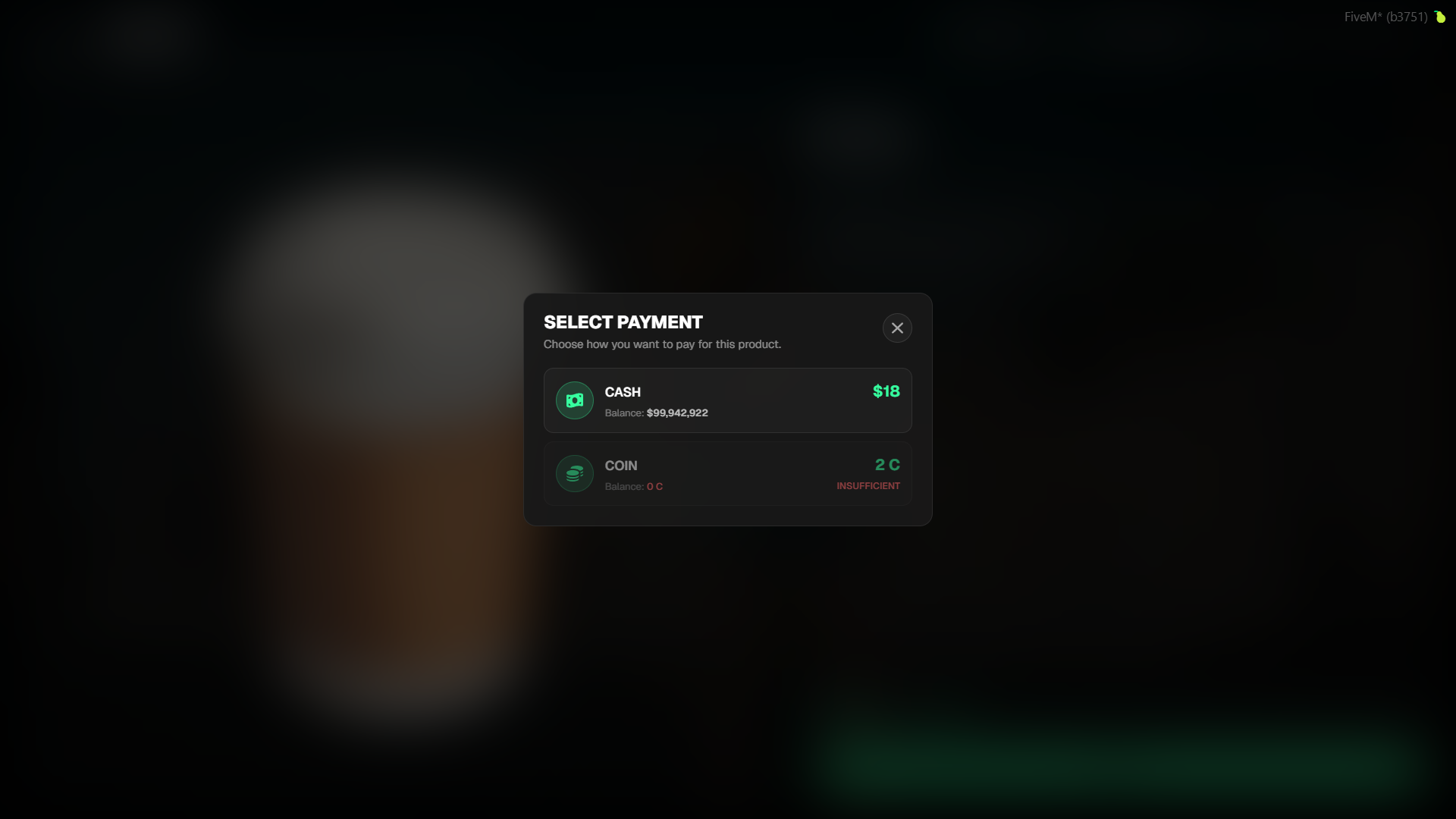
Multi-Currency Support
- The system supports multiple currencies. By default,
cash,bank, andcoin(custom currency) are defined. - Every currency’s symbol, label, icon, and symbol position (before/after) are configured in the
configCurrencies.luafile. - Prices in the UI are always formatted according to this configuration—there are no hardcoded
$orCsymbols anywhere. - A single product can be sold using multiple currencies. For example, a vehicle can be priced as
{ bank = 185000 }or{ bank = 185000, coin = 250 }. The player chooses which currency to use at checkout.
Rentals & Time Extensions
- Vehicles and venues can be offered on a daily rentalbasis. When the rental period expires:
- Vehicles: The license plate is deleted from the database, the vehicle is despawned if in the world, and stock is replenished.
- Venues: Job-owning players are set to unemployed (both online and offline players), and stock is replenished.
- Players can extend their rental within a specified window before it expires (default or product-specific
extensionWindowHours). Extending requires paying the rental fee again, which pushes the expiration date forward byrentalDays. - This entire process is periodically checked via a cron job (
config.rental.cronExpression) and also runs once upon server startup.
Fully Customizable Callbacks
onPurchased
- When an
onPurchasedfunction is defined for any product in the config, all default delivery logic is disabledfor that item:- Items:
addItemdoes not run. - Vehicles:
addOwnedVehicleand vehicle spawn do not run. - Venues:
setPlayerJobandresetJobHoldersdo not run. - Clothing:
GiveClotheItemdoes not run. - Rentals: Rental DB entry, vehicle/job assignments do not run.
- Notifications: The default success notification is not sent.
- Items:
- Full control is passed to the callback owner. Only the purchase log (
tgiann_shop_purchases) continues to be automatically written to the database.
onPurchased = function(source, xPlayer, currency, quantity, totalPrice, isRent)
    -- source     : The player's server ID
    -- xPlayer    : Framework player object (ESX/QB)
    -- currency   : Payment method ("cash" | "bank" | "coin")
    -- quantity   : Amount purchased (always 1 for rentals)
    -- totalPrice : Total cost
    -- isRent     : true = rental, false = purchase
end
onExpired
- This callback triggers when a rental period expires.
- When defined, the default expiration actions (deleting the vehicle, resetting jobs) are skipped.
- Rental DB cleanup and stock replenishment will continue to work automatically.
onExpired = function(productId, citizenId, kind, plate, jobName)
    -- productId : ID of the expired product
    -- citizenId : Owner's citizen ID
    -- kind      : "vehicle" or "venue"
    -- plate     : Vehicle license plate (vehicle only)
    -- jobName   : Job name (venue only)
end
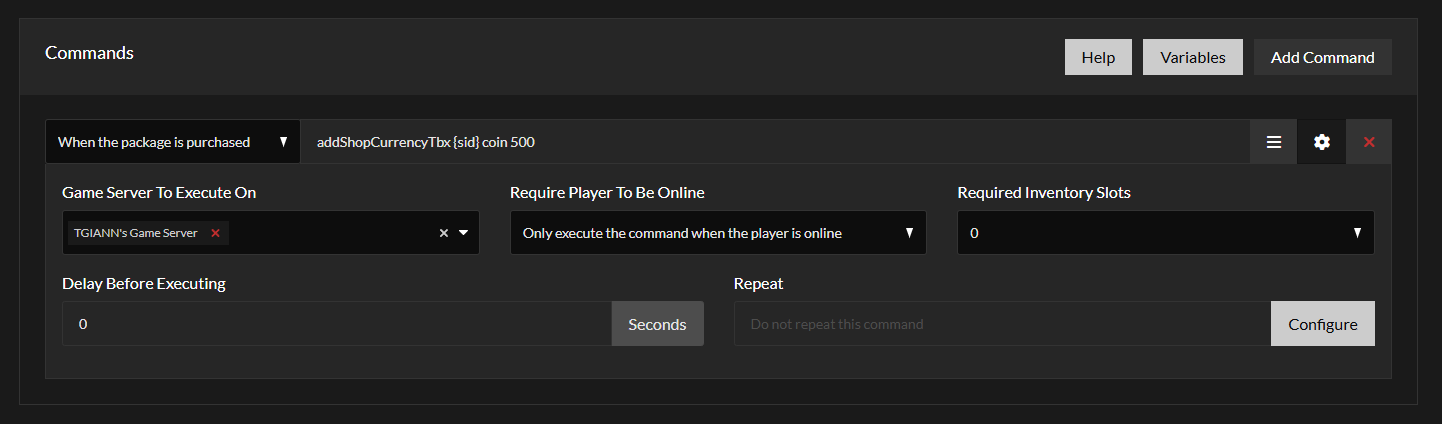
Tebex Support (Tebex integration Docs | TGIANN)
- Fully integrated with Tebex to automatically transfer purchased currency directly to the player’s character.
- This completely automates the process, meaning no manual admin intervention is required.
Requirements
- tgiann-core (free)
- ox_lib
- qb-core / esx / qbox