
TGIANN
STORE
STORE
EUR
9.99

Vehicle Control
Simple and responsive control system for vehicle interactions.
Escrow
Standalone
 Test Server
🆘 Discord(Support) 🆘
Main Features
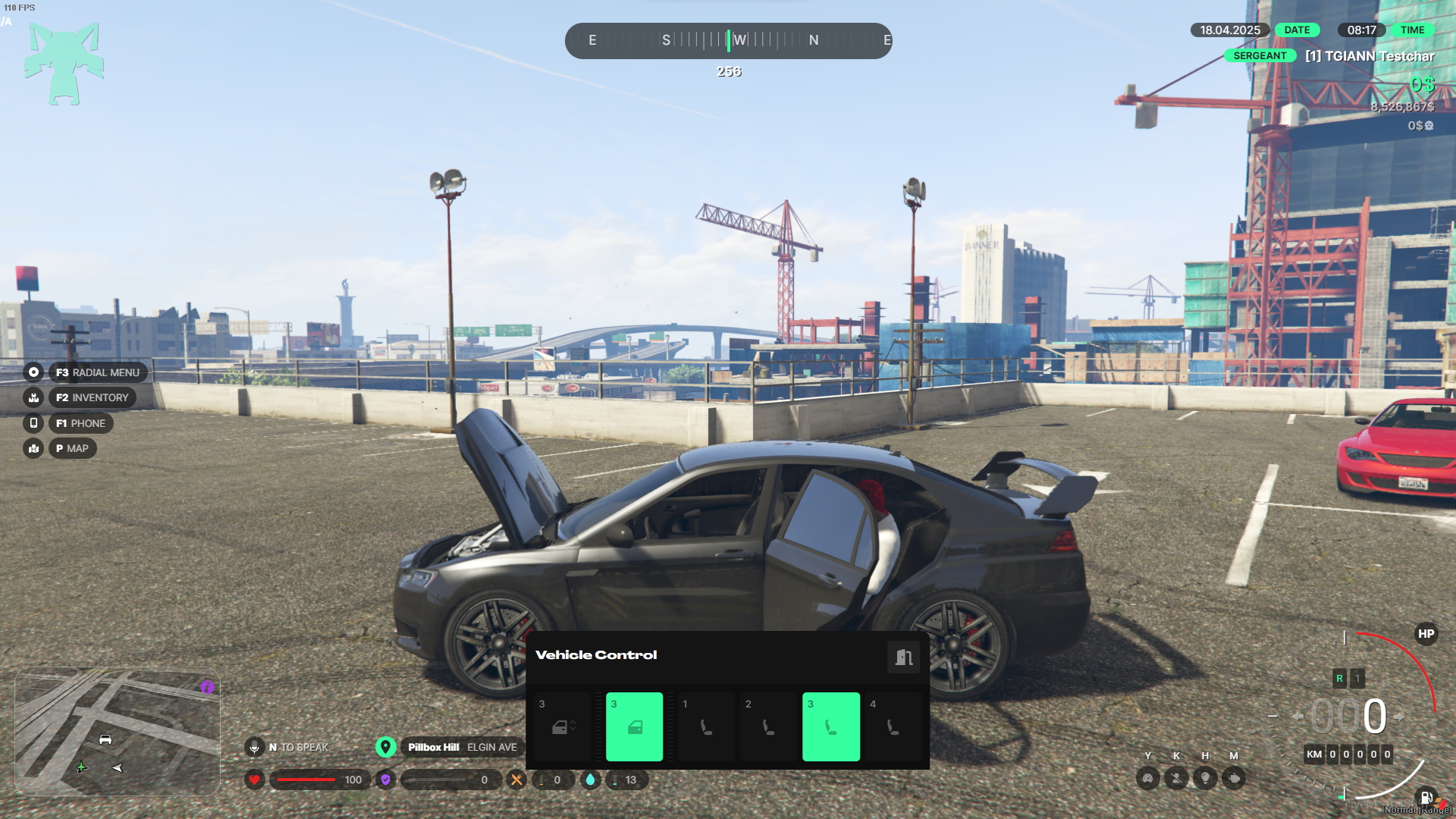
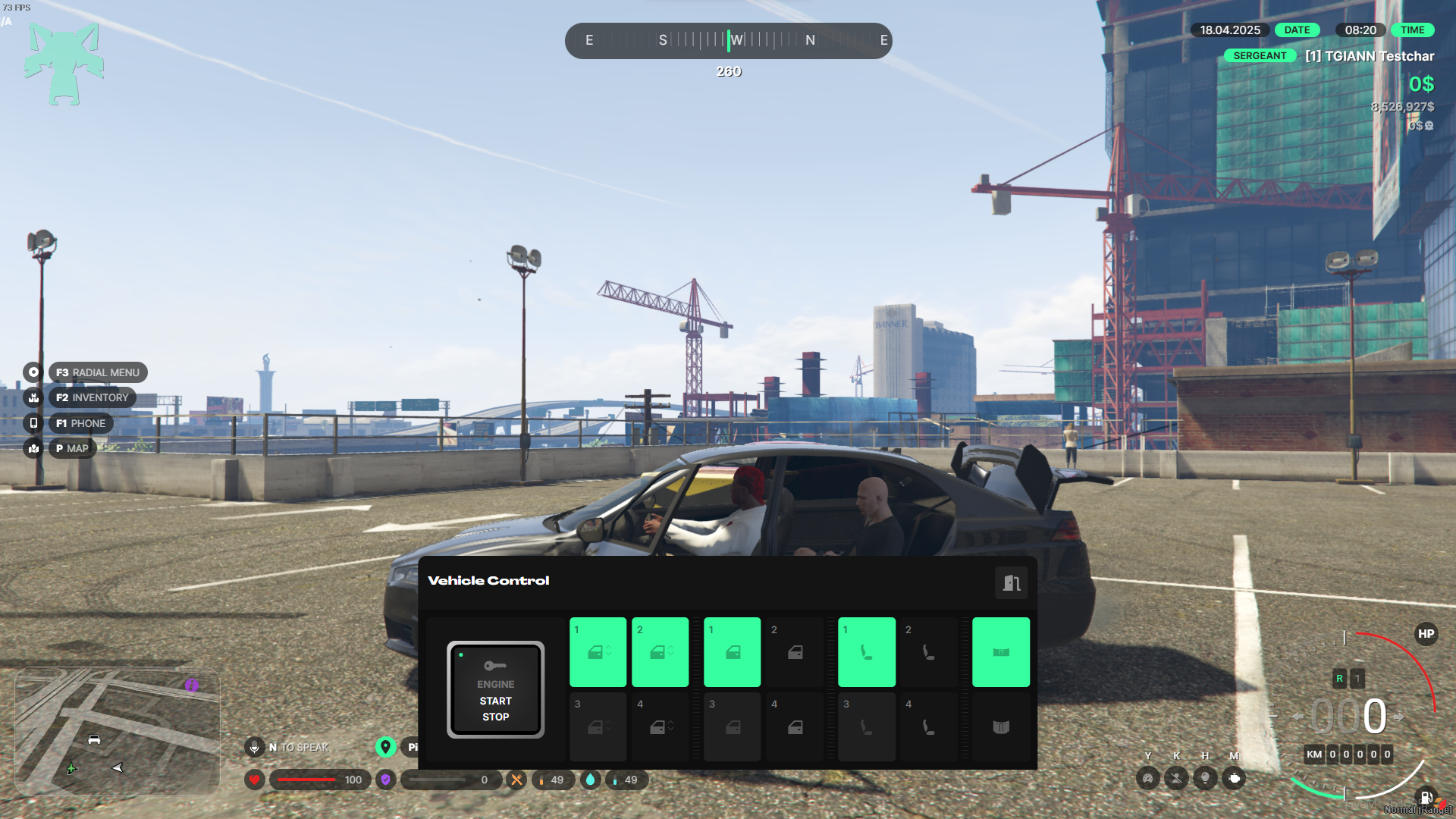
- Real-Time Synced UI: The UI updates instantly to reflect any changes made to the vehicle, ensuring seamless interaction.
- Drive While Using the UI: The interface can remain open while the vehicle is being driven, offering full control without interruption.
- Three UI Activation Methods: Players can open the UI via export, command, or keybind—all configurable through the script settings.
- Quick Keybinds: Assign quick shortcut keys for rapid actions like toggling the engine, switching seats, opening/closing doors, or windows—no need to open the UI.
- Seat Switch Progress Bar: A configurable progress bar plays when switching seats to prevent instant spamming. It can be disabled if preferred.
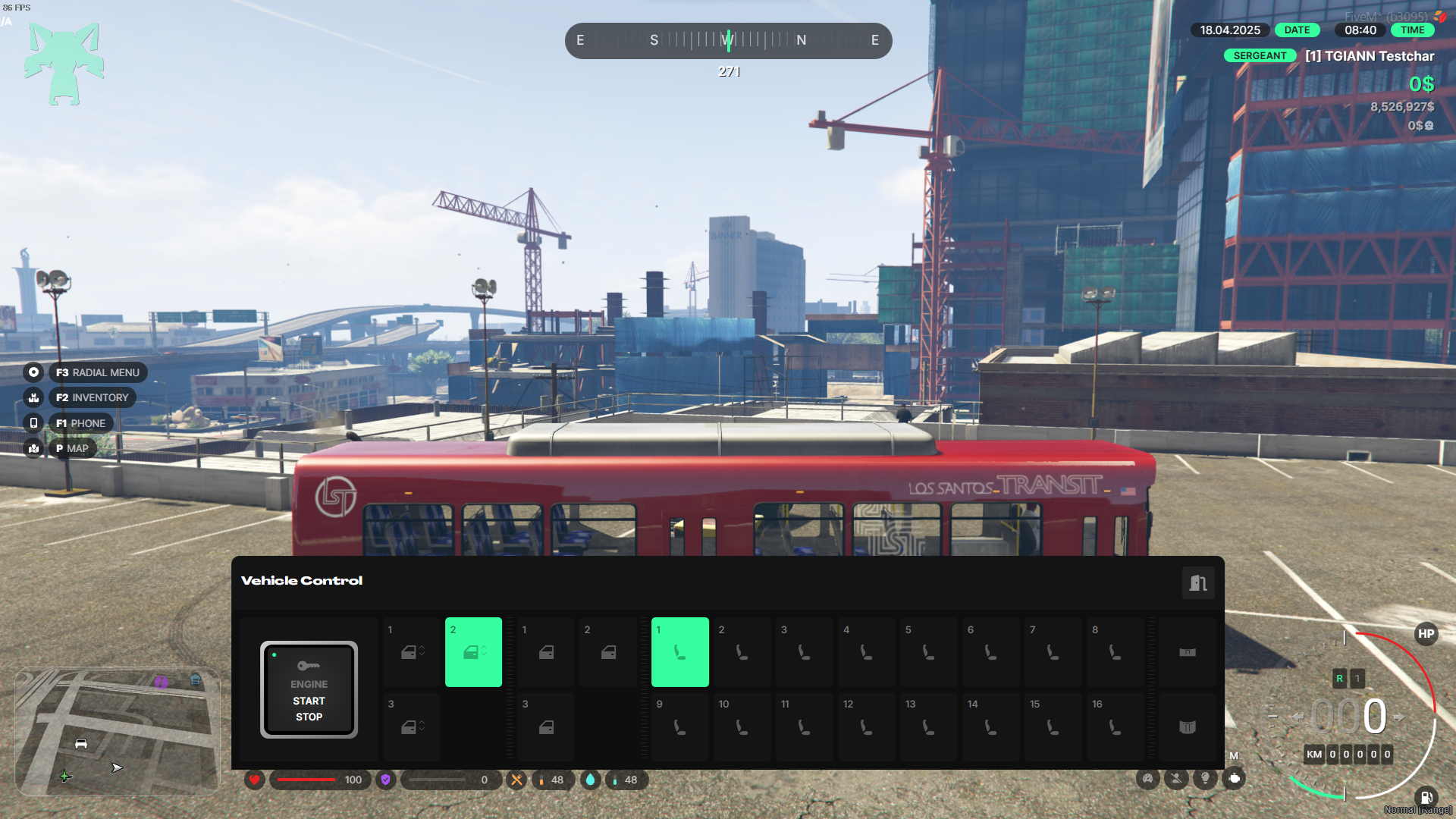
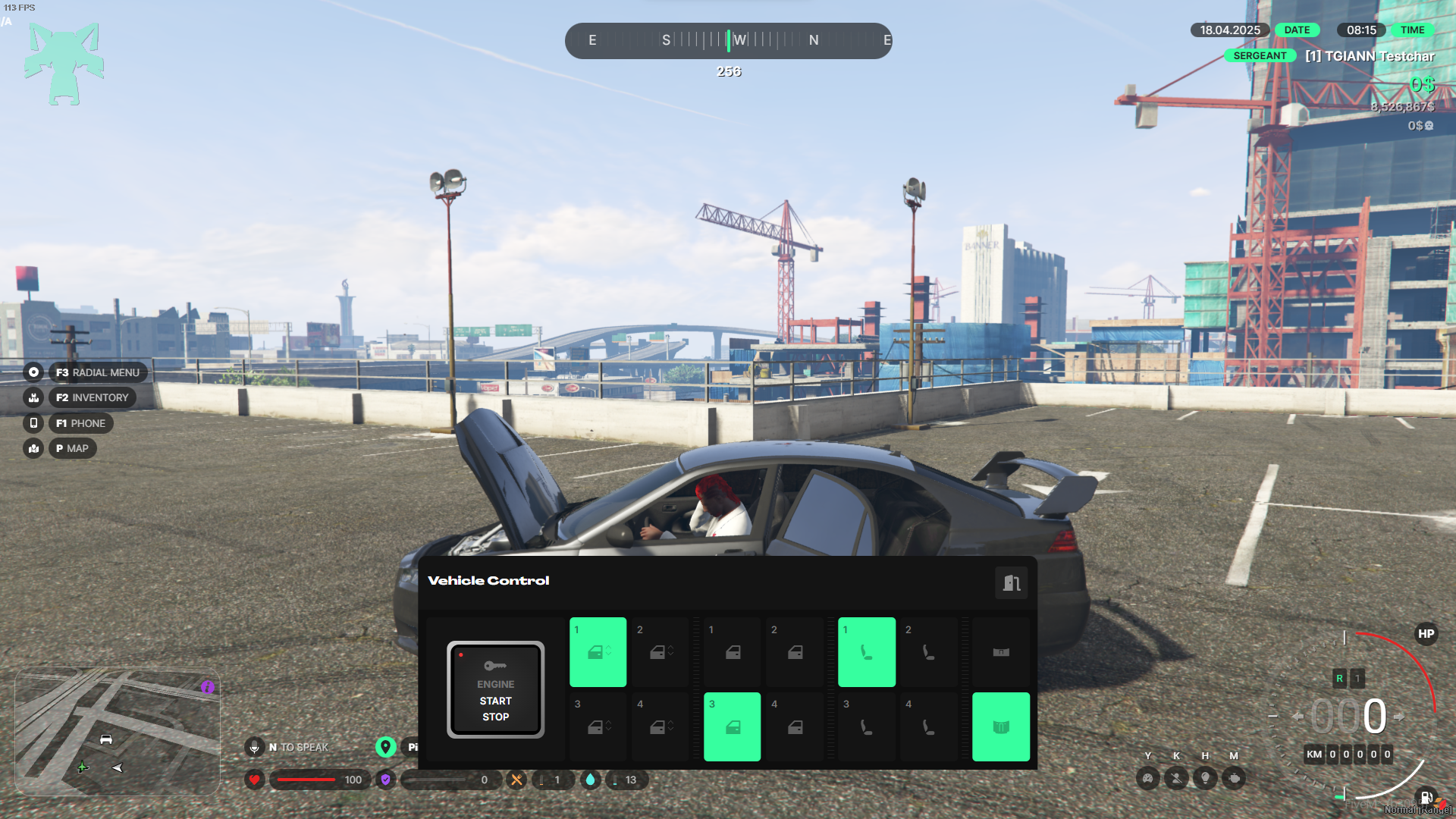
- Dynamic Vehicle State Display: The UI reflects the real-time condition of the vehicle—broken doors, occupied seats, and open/closed windows or doors are all visibly shown.
- Driver vs. Passenger Control: While the driver has full control over the vehicle, passengers can only control their own window and door.
- /seat Command: Players can also switch seats using a simple command, offering flexibility in gameplay.
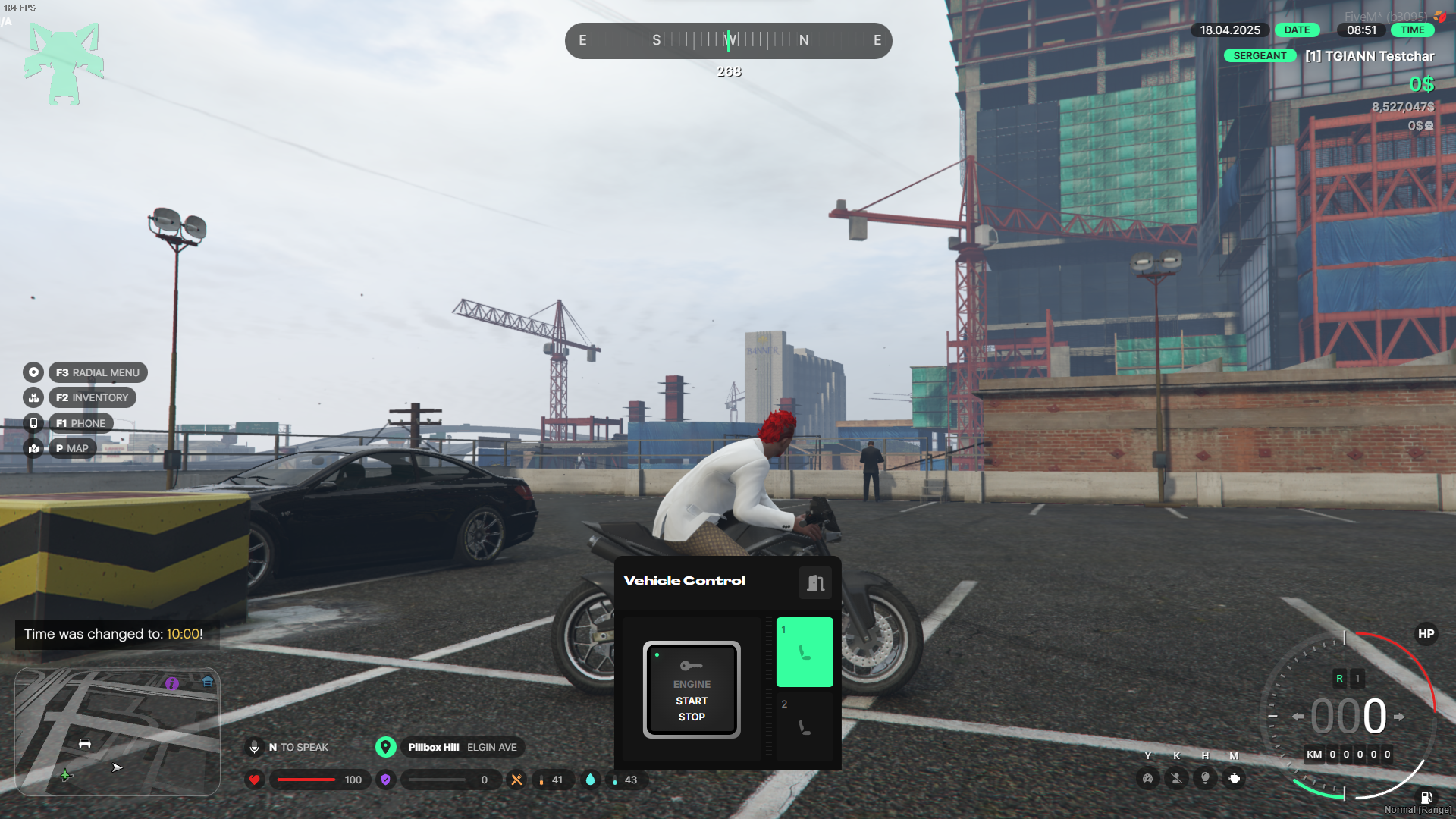
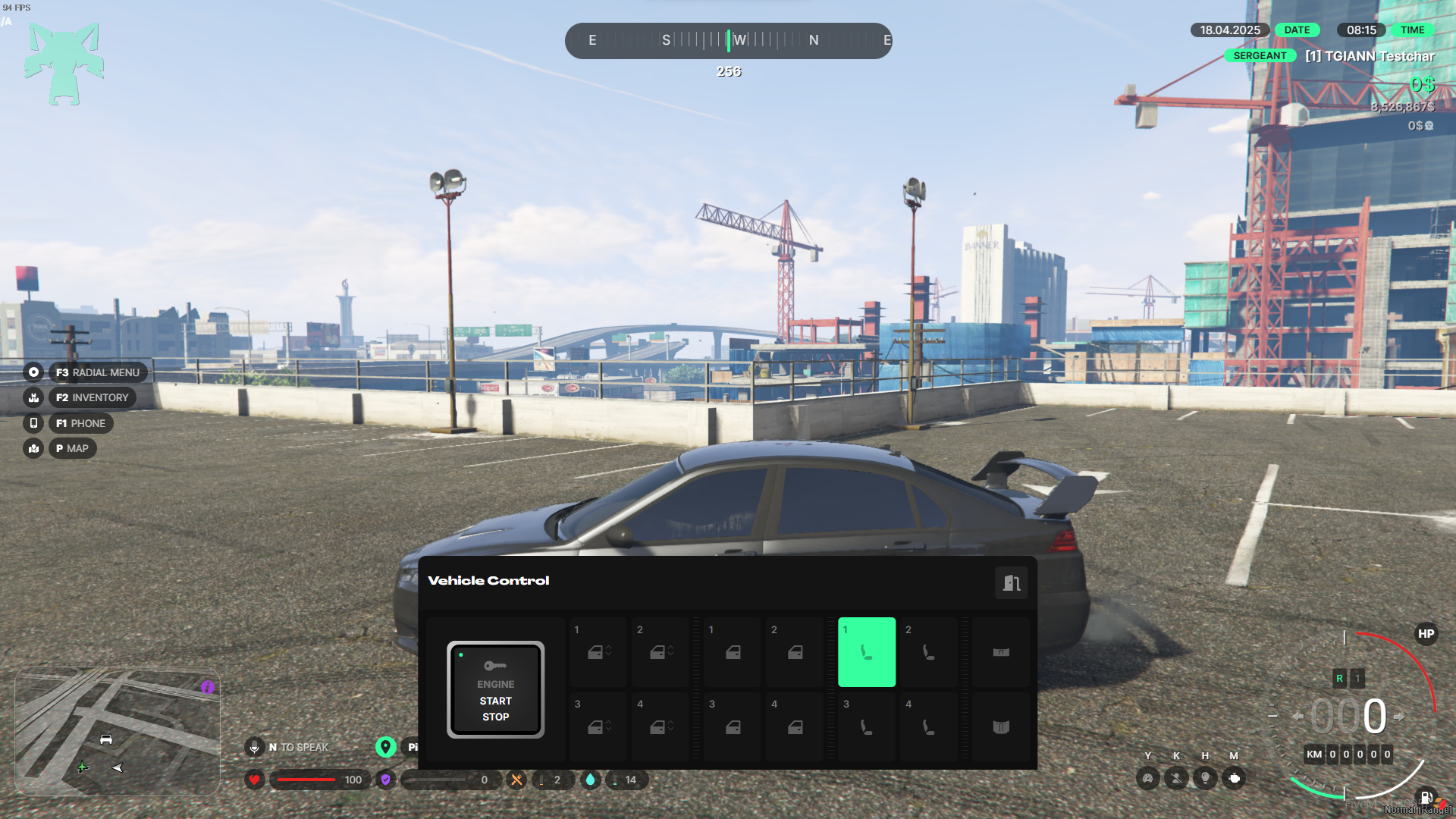
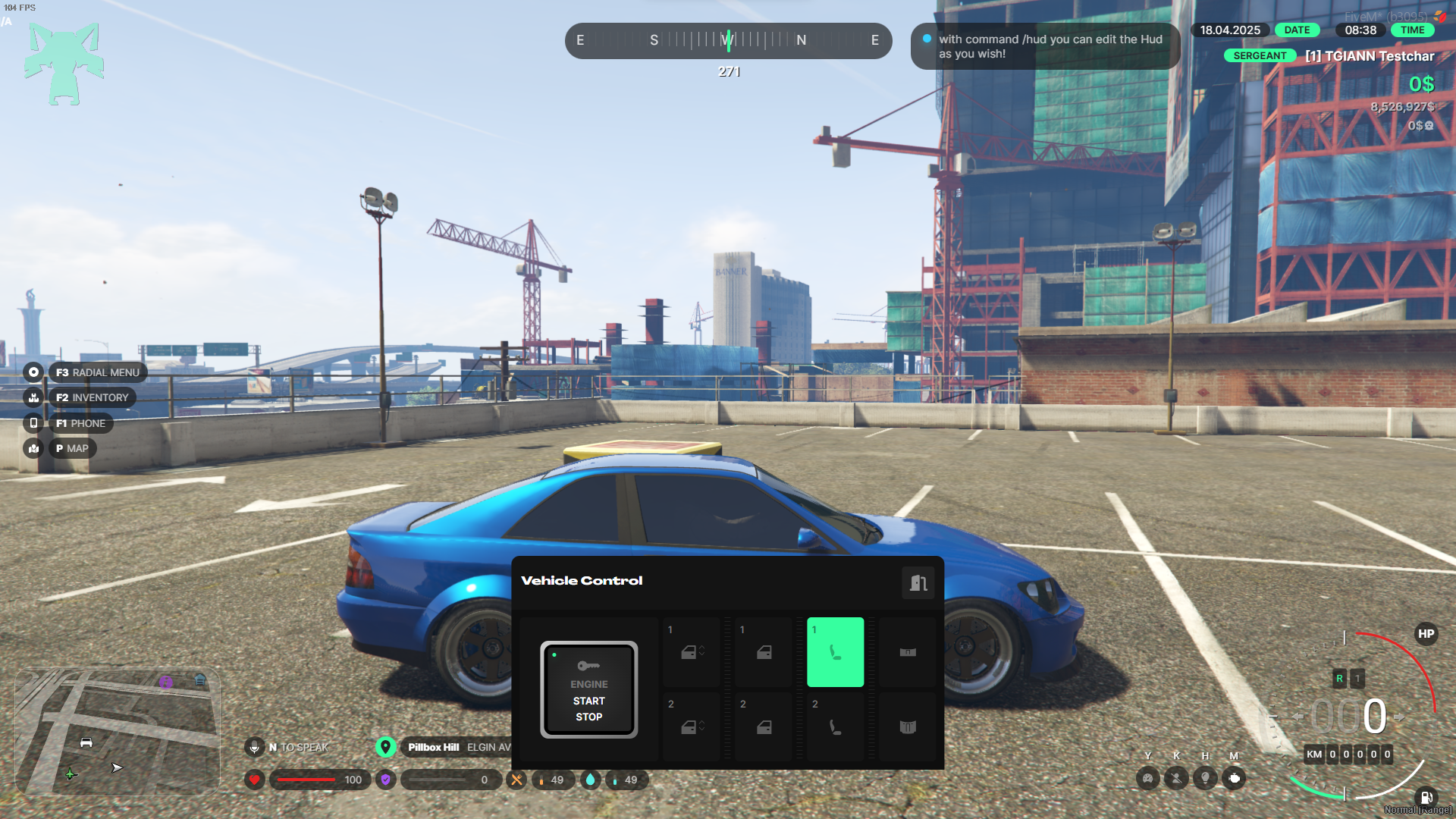
- Dynamic Seat & Door Display:
The UI automatically adapts based on the vehicle’s configuration.
For example, if a vehicle has only 2 doors and 2 seats, only those will be displayed—providing a clean and accurate interface for each vehicle type.
Requirements
- ESX, QB or QBOX
- tgiann-core (free)
Config File
Editable Files